How to make a product demo video
Plan, record and edit a product demo video that shows one valuable workflow clearly instead of touring every feature.
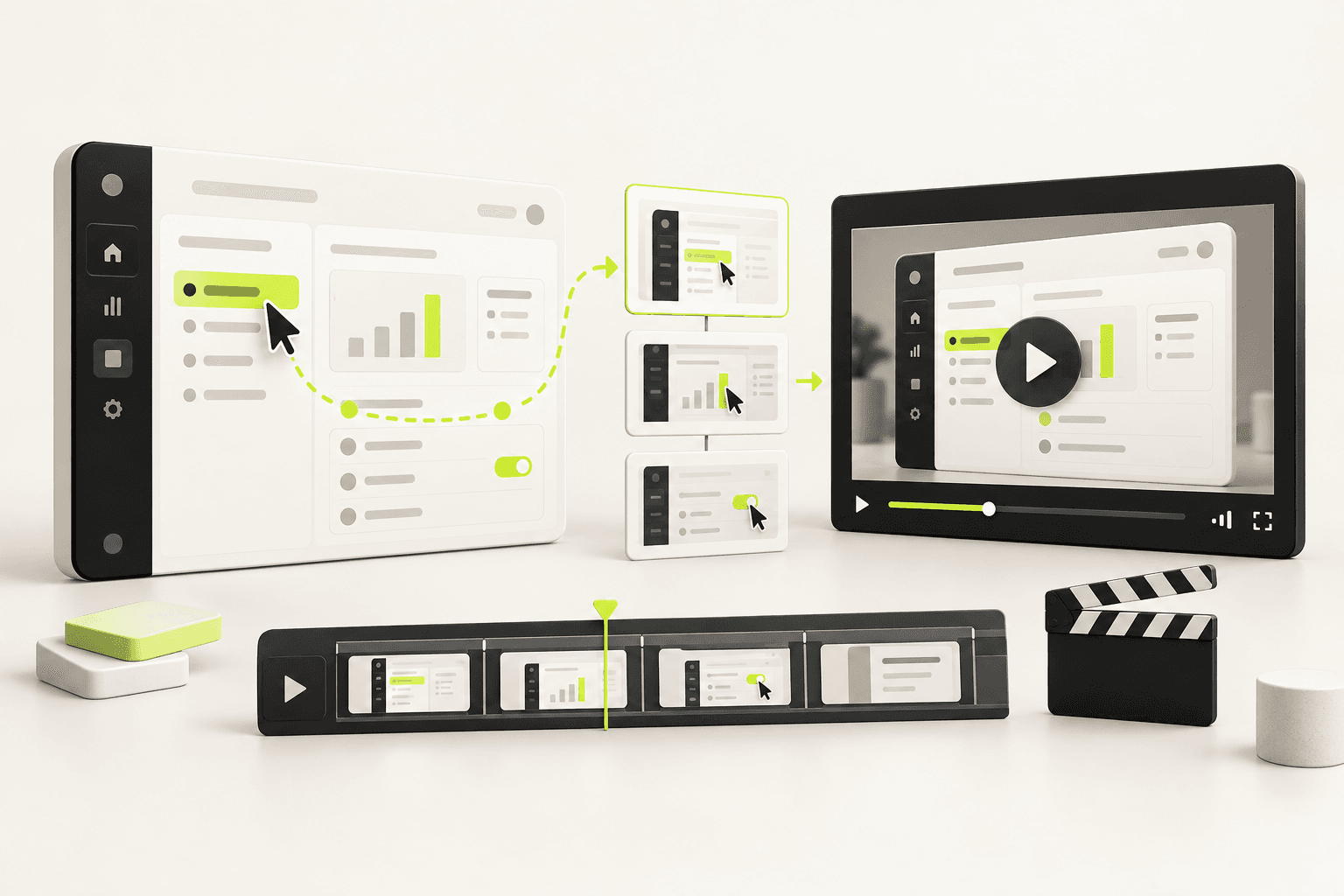
A product demo should answer a practical question: can this product help someone like me complete a job I care about? A tour answers a different question: what controls exist? Start with the job and your demo becomes shorter, clearer and easier to remember.
1. Pick one workflow and one audience
Choose a task with visible before-and-after value. Define the starting state, the meaningful action and the result. If the workflow needs several user roles or ten minutes of setup, narrow it to the moment that best proves the promise and link to deeper documentation afterward.
2. Write a beat sheet
| Beat | Purpose | Starting point |
|---|---|---|
| Outcome | Show what the viewer will achieve | 3–5 seconds |
| Starting point | Orient them in the workflow | 5–10 seconds |
| Key actions | Demonstrate only meaningful steps | 20–45 seconds |
| Result | Make the change visible | 5–10 seconds |
| Next step | Invite one relevant action | 3–5 seconds |
3. Prepare a clean demo environment
- Use realistic but non-sensitive sample data.
- Close notifications, personal tabs and password managers.
- Set a readable browser zoom and hide unnecessary chrome.
- Preload every screen and test the exact path once before recording.
- Use a stable window size so crops do not jump between takes.
4. Record in short sections
Capture one action per take and leave a little stillness before and after it. Move the cursor deliberately, avoid circles and nervous hovering, and pause after important state changes. Short clips are easier to replace when the interface changes and easier to pace in the edit.
5. Direct attention in the edit
Crop closer when the relevant control would be illegible at normal playback size. Use restrained highlights or labels, then remove them once the viewer knows where to look. Cut waiting time, repeated typing and accidental cursor travel. The goal is to preserve causality while removing friction.
6. Make comprehension testable
Show the demo to someone who matches the audience but did not help make it. Ask what changed, which action caused it and what they would do next. If they can only repeat feature names, strengthen the outcome. If they get lost, add orientation or remove a step.
A useful demo leaves the viewer able to retell the workflow in one sentence.
Questions people ask
How long should a product demo video be?
Thirty to sixty seconds for a marketing demo. Anything longer is a sales call or a help-centre walkthrough, which are different formats with different jobs.
What should a product demo video show?
One workflow, end to end, with the outcome visible. A feature list is not a demo: the viewer has to see the job get easier.
Keep reading
What a product video actually costs in 2026
Five routes, from $0 to $50,000, and what each one actually buys. Plus the three costs that never appear in a quote and usually decide the annual bill.
How to edit a screen recording with AI
AI can accelerate the mechanical edit, but it still needs a clear job and a review pass. This workflow keeps the result accurate and human.
Edit a film by saying what to fix
There is no timeline and no keyframes. Click a scene, say what should change, and the editor checks its own work before handing it back.