Give it your company
A URL is enough to start. Add a deck or a short brief when there is more context worth including, and capture your app's real screens in Frame24's secure browser.
AI product video generator
Frame24 turns a company's website, product UI and brand into polished product and marketing videos. Not a prompt-to-footage model, not an avatar — a film that looks like your company because it was built from it.
Three 30-second films · Card required · No generated media
In plain terms
The demo
Thirty seconds, produced from a website and a brand with no manual editing. The same output the trial produces.
How it works
A URL is enough to start. Add a deck or a short brief when there is more context worth including, and capture your app's real screens in Frame24's secure browser.
Frame24 proposes distinct story directions rather than one script. You pick the one that sounds like you before anything final is rendered.
Click a scene, describe the change, preview it. Render to widescreen, vertical and square, and download an MP4 you own.
Where it sits
AI video is not one category. The useful question is what the tool starts from and what it is trying to produce.
| Category | Starts from | Produces | Best for |
|---|---|---|---|
| Avatar tools | A script and a presenter | A person speaking to camera | Training, internal comms, localisation |
| Prompt-to-video models | A text prompt | Open-ended generated footage | Concept work, cinematic B-roll, ideation |
| Template editors | A template plus your assets | A designed video from a preset | Social posts, quick edits, in-house design teams |
| Frame24 | Your website, product UI and brand | A brand-native product or marketing film | On-brand product demos, launches, website-to-video |
Capabilities
Positioning, product detail, colour, typography and imagery read directly from your site.
Your colours, typography and logo applied consistently across every scene and every film.
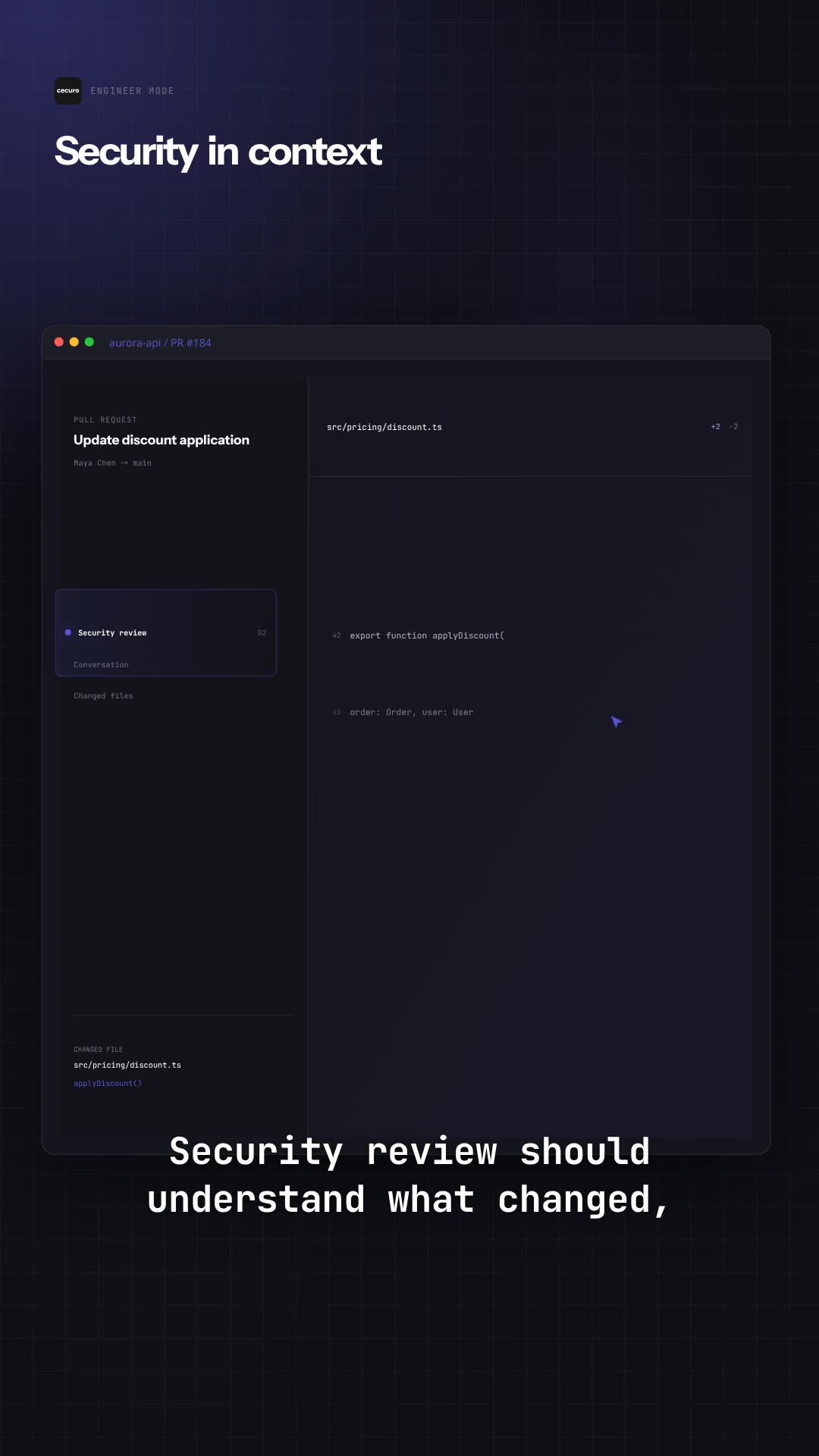
Captured from your running app — in Frame24's secure browser or by your coding agent — saved and reused.
Scenes generated for your story, not chosen from a template library or a stock catalogue.
Narration, captions, music and sound effects produced with the film.
Change tone, script, voice or music by describing it. Preview before the final render.
16:9, 9:16 and 1:1 re-composed for each shape rather than cropped from one master.
MP4 download, no watermark, no per-use licence.
SSO, SCIM provisioning, folder permissions, audit export and pooled credit balances.
Straight answer
Finished films
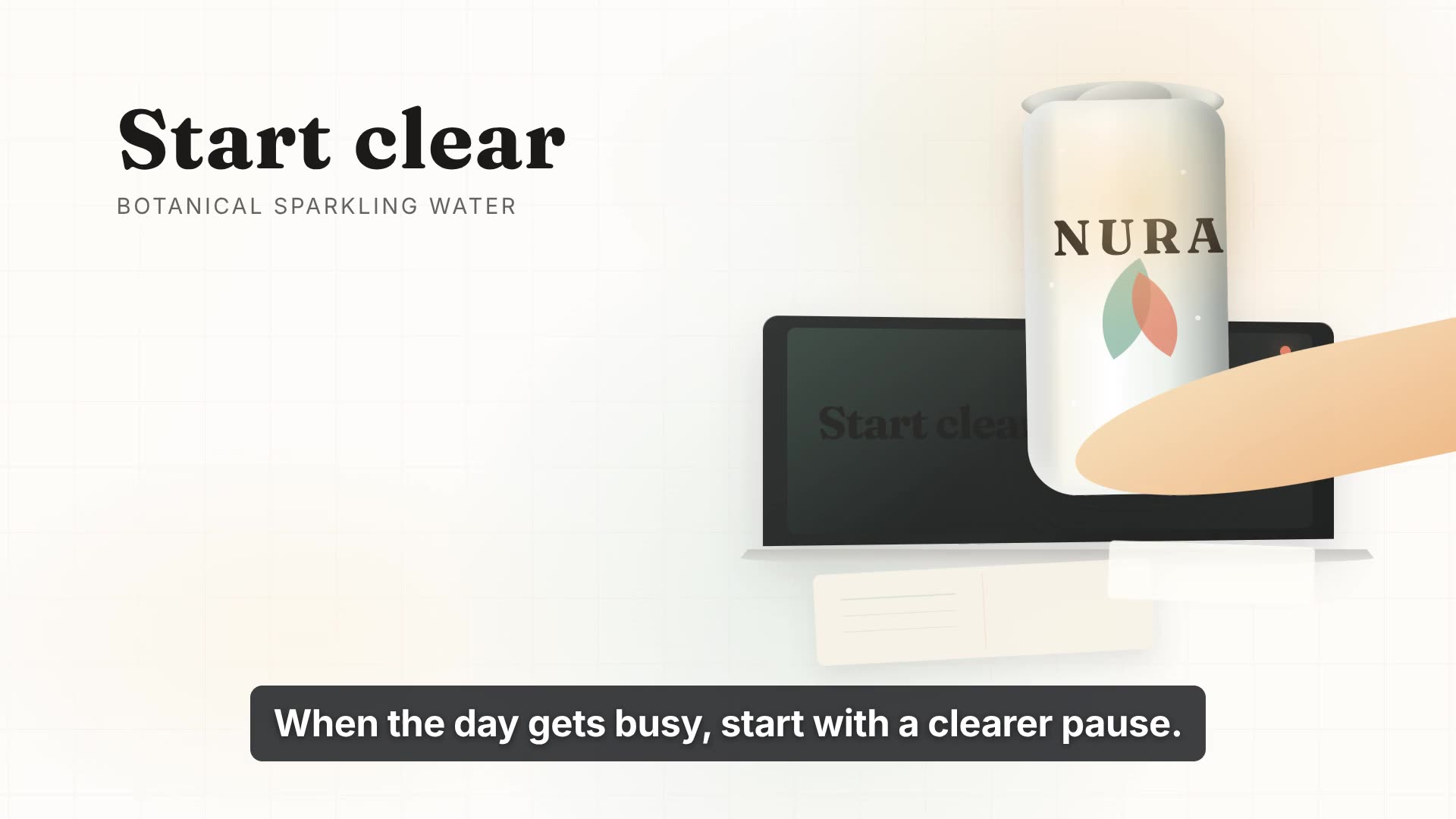
Software, security, fintech and consumer — each film built from that company's own brand.
Use Frame24 from your AI assistant
Connect Frame24 to ChatGPT, Claude, Gemini or a coding agent in about two minutes. Your assistant can understand the product, capture the right screens, review the film and keep the whole process in the conversation.
Choose your assistant and connect itclaude mcp add --transport http frame24 https://studio.frame24.app/api/mcpStart Claude Code, type /mcp, choose frame24 and Authenticate. Sign in to Frame24 in the browser tab that opens and click Allow.
of surveyed consumers say a video has convinced them to buy a product or service at some point.
Wyzowl State of Video Marketing 2026, a survey of 266 marketers and consumers. Video does not guarantee conversion — the honest measure is your own A/B test. Read the evidence and how to test it.
Questions
Product video AI is software that writes, designs and renders a marketing film about a product instead of a team filming and editing it. Frame24 is product video AI for software and B2B companies: it reads your website and brand, shows your real product screens when you capture them, proposes storylines, and produces a narrated MP4 you revise scene by scene in words.
Frame24 researches your website’s colours, typography, logo and positioning, then uses that brand context across the film. Review the Brand Kit and product understanding after signup before approving the story. Correct wrong assets or claims there rather than asking the renderer to guess.
You can revise a Frame24 film in plain language. Name the scene, describe one concrete change and review the result. This is editing within a Frame24 project, not a general editor for arbitrary uploaded footage. Rendering and regeneration can use credits; review the cost before approving.
Frame24 is an AI product video generator for SaaS and B2B companies. It takes a company's website, brand and the real product interface they provide and produces polished, on-brand product and marketing videos, without templates, avatars or traditional video editing.
On-brand product demos, software and product launch videos, and turning a website into a finished marketing film. It is strongest where the film has to look like a specific company and show a specific product.
Product marketers, founders and marketing teams at software and B2B companies who need finished films regularly and do not want to become video editors or retain an agency for each one.
No. There are no AI avatars, presenters or talking heads. If you want a voice, you choose one for the narration, but nobody appears on screen. Films show the product and the story around it.
Most AI video tools generate footage from a text prompt, or animate an avatar reading a script. Frame24 starts from a specific company: it reads your website for positioning and brand, uses your real product UI, and composes scenes in your palette and typography. The output is meant to be recognisably yours rather than a good-looking generic clip.
Frame24 starts with a 3-day trial (card required) that includes three 30-second films to watch and share; it becomes your chosen plan unless you cancel. Downloading a single 30-second film is $20, or part of any plan. Paid plans start at $39 per month and include monthly production credits; annual billing saves 15%. Enterprise adds SSO, SCIM, volume credit pricing and annual invoicing.
Yes. Frame24 has an MCP server for coding agents — Claude Code, Codex, Cursor, VS Code, Gemini CLI and Windsurf — and in ChatGPT, Claude and Gemini as a custom connector (frame24.app/guides/connect-frame24-to-your-ai-assistant). Add it with one command and a browser sign-in, then ask for a film in plain words. The agent reads your codebase for real feature names and brand colours, captures your real screens in Frame24's secure browser after you sign in, checks the understanding, screens and storyline with you, and starts the film once you approve. Setup is at frame24.app/mcp.
Yes — the real, working interface. Sign in to your product in Frame24's secure browser and it captures each screen as it runs, or let your coding agent capture the app from your code over MCP. A public URL cannot see behind a login, so you choose the screens Frame24 should use. Captured components are saved to a reusable library for later films.
Yes. The output is a polished, finished film with original motion scenes, your brand and product UI, narration, voice, music and captions — not a slideshow or a draft for another editor. Public examples are complete renders from the same pipeline. Exact results depend on the source material and direction you provide, and every scene remains editable before rendering.
Yes. Frame24 reads your colours, typography and logo from your website and applies them as a Brand Kit across every scene, caption and lower third, so a series of films looks like one company rather than several.
Frame24 is built for that case: it starts from your company rather than a prompt — your website for positioning and brand, and your real product screens captured live — and makes a narrated, on-brand product film with captions and music that you revise in plain words. Avatar and stock-footage generators are a better fit when you want a presenter or generic b-roll rather than your product.
Decide what the viewer must see. If it is your real product, choose a tool that uses your actual interface (Frame24 captures the running app, interactive-demo tools capture clickable walkthroughs); if it is a person explaining, an avatar tool; if it is atmosphere, a text-to-video model. Then check it keeps your brand across films, lets you revise scenes without an editor, and publishes its prices.
An AI product video generator such as Frame24 for a finished, narrated marketing or launch film of your real product; an interactive-demo tool such as Arcade or Supademo for a clickable walkthrough; and a screen recorder such as Loom for a quick, informal recording. Frame24 is the one that writes, designs, voices and renders the film for you from your website and screens.
Yes, in Frame24. Describe the change — "make scene two show the export", "slower narration", "warmer music" — for one scene or the whole film, and it remakes only what you asked; you can also go back to the previous version. Coding agents can do the same over Frame24's MCP server.
In Frame24 they are part of every film: it writes the narration, chooses or lets you choose a voice, adds captions and a music score with sound effects, and mixes them to the picture. You can change the voice, the music direction or a line of narration afterwards without rebuilding the film.
Paste your URL. Three 30-second films on a 3-day trial.
Start your trial Three 30-second films · Card required · No generated media