Paste the URL
Frame24 reads the page for positioning, product detail, tone, colour, typography and imagery — the same things a studio would ask you for in a first meeting.
URL to video
Your website already says who you are, what you sell and how you look. Frame24 reads it and turns that into a finished, on-brand marketing video — without templates, avatars or an editing timeline.
Three 30-second films · Card required · No generated media
In plain terms
Your website as a starting point
After signup, your website supplies the brand and product context. Showing a signed-in workflow needs a separate capture you approve.
| Input | Read from the public website | What you review or add |
|---|---|---|
| Brand | Colours, font families and publicly available logos | Correct the Brand Kit before it is used |
| Product story | Public positioning and feature descriptions | Confirm the offer and remove outdated claims |
| Signed-in screens | Not available from a public URL | Sign in yourself for a real interface capture |
| Finished film | Requires production beyond reading a URL | Review the story and trial terms before rendering |
How it works
What normally takes a kickoff call and a creative brief is already written down on your homepage.
Frame24 reads the page for positioning, product detail, tone, colour, typography and imagery — the same things a studio would ask you for in a first meeting.
You get several distinct ways to tell it, not one take-it-or-leave-it script. Choose the direction that sounds like your company before anything is rendered.
Click a scene, say what should change, preview it, then export widescreen, vertical and square — each re-composed for its shape rather than cropped.
What comes across
A film that quotes your headline but ignores your visual identity still reads as someone else's video with your name on it.
Colours and typography are picked up from the site and applied across scenes, captions and lower thirds as a Brand Kit the whole film obeys.
Narration is written from how you already describe the product, so the film sounds like your positioning rather than a generic category pitch.
Where the site exposes product visuals, they are used. When the interface deserves screen time, capture your running app in Frame24's secure browser.
A pitch deck, images or a few lines of context can be added alongside the link when there is something the site does not say.
Every scene is generated for your story. There is no template library to recognise and no stock clip a competitor could also be using.
Voiceover, captions, music and sound are produced with the film, and the MP4 comes out without a watermark.
Straight answer
Finished films
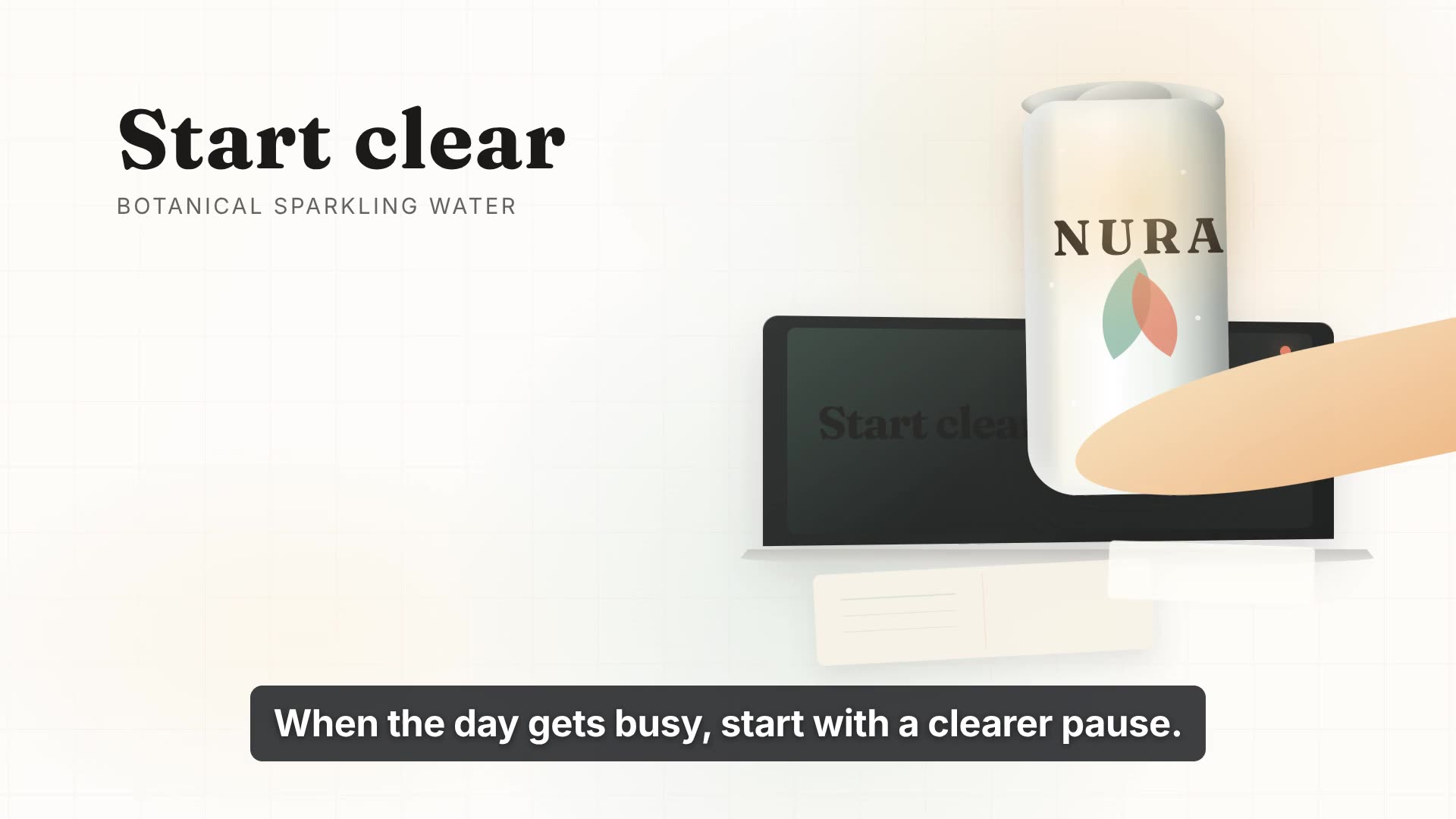
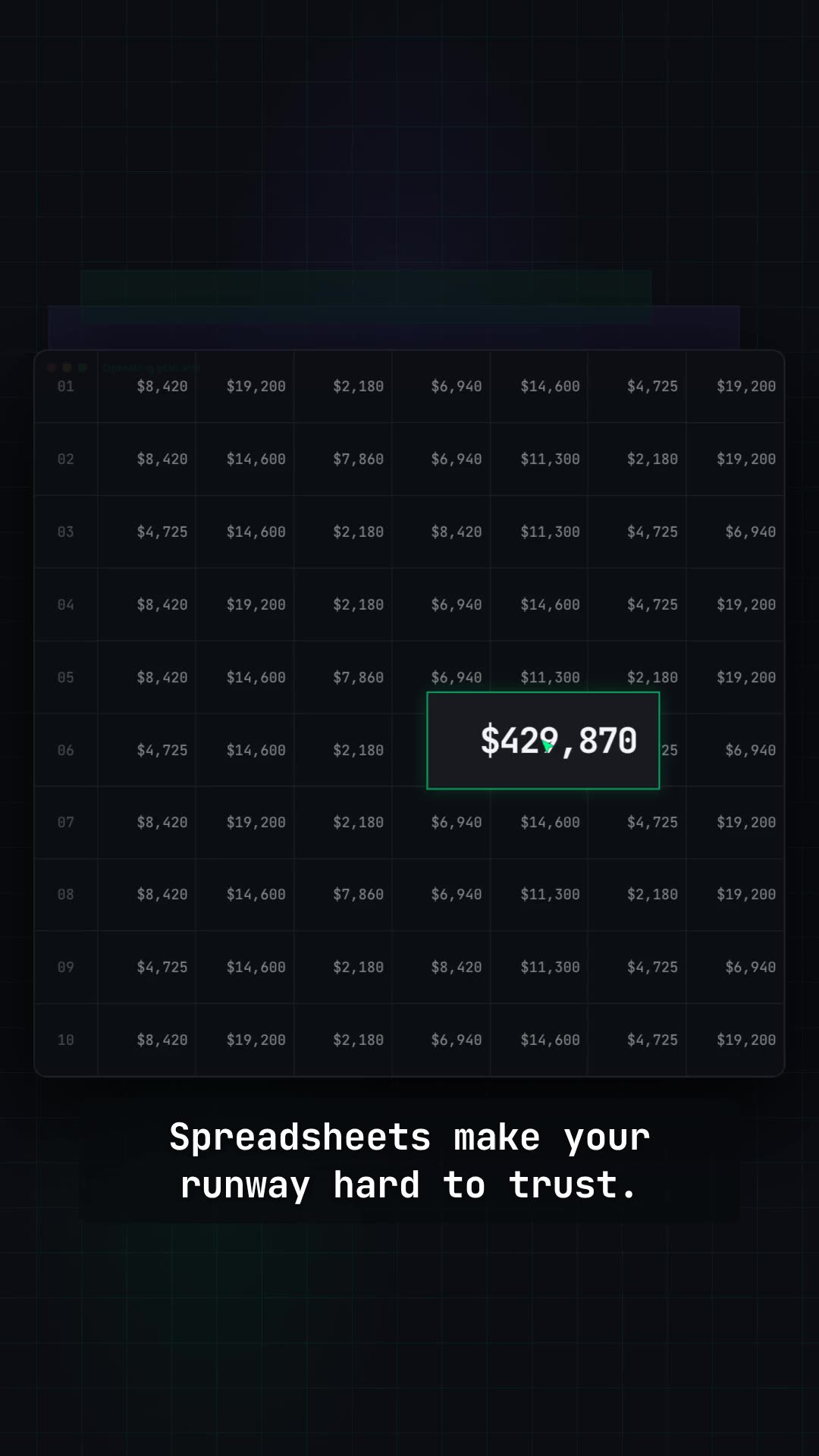
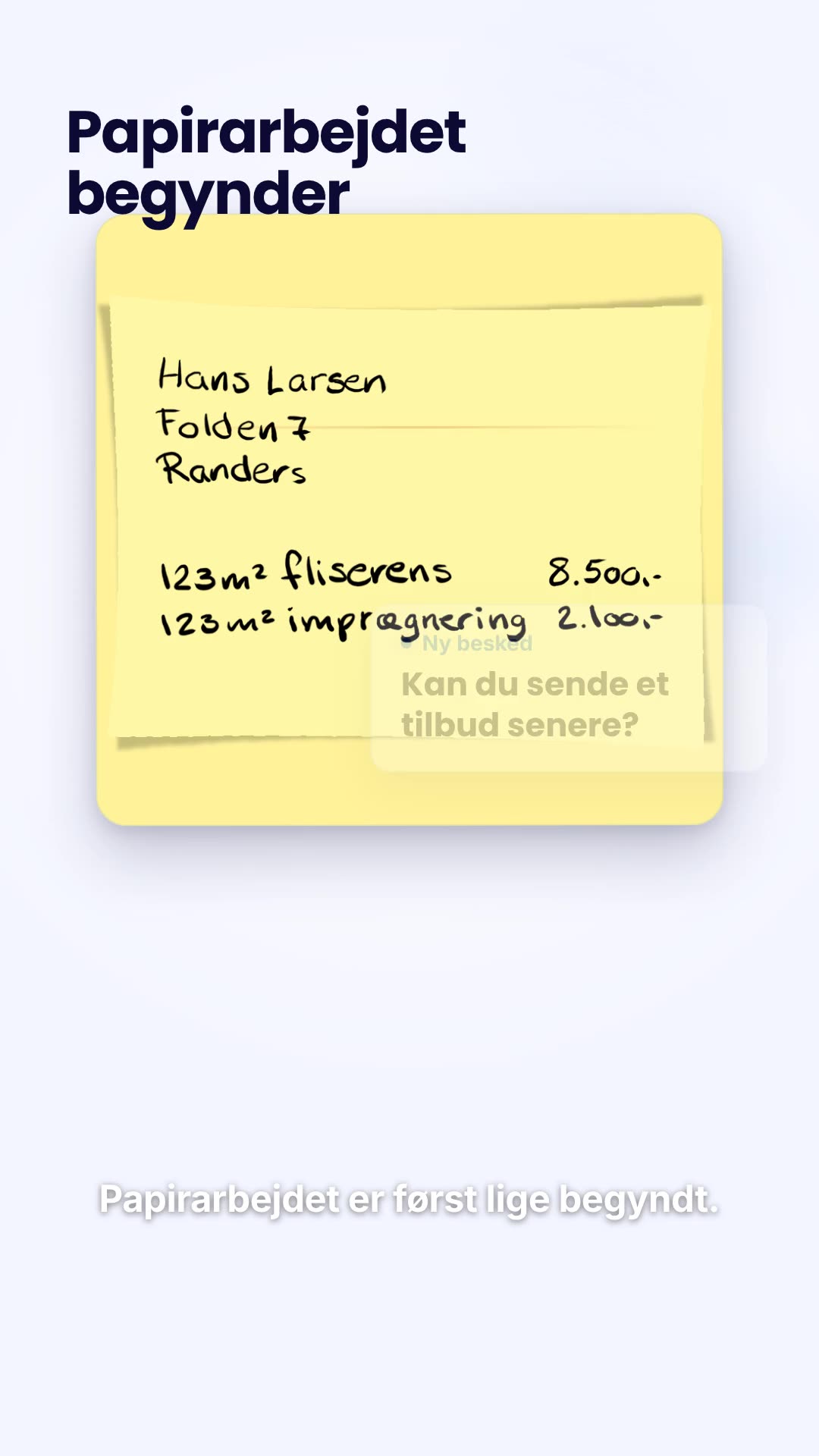
Each of these began with a company's own site and brand.
Use Frame24 from your AI assistant
Connect Frame24 to ChatGPT, Claude, Gemini or a coding agent in about two minutes. Your assistant can understand the product, capture the right screens, review the film and keep the whole process in the conversation.
Choose your assistant and connect itclaude mcp add --transport http frame24 https://studio.frame24.app/api/mcpStart Claude Code, type /mcp, choose frame24 and Authenticate. Sign in to Frame24 in the browser tab that opens and click Allow.
of surveyed consumers say a video has convinced them to buy a product or service at some point.
Wyzowl State of Video Marketing 2026, a survey of 266 marketers and consumers. Video does not guarantee conversion — the honest measure is your own A/B test. Read the evidence and how to test it.
Questions
Choose by what the viewer needs to understand. Frame24 suits a branded software or product film using the public website for positioning and approved capture for the real interface. Article-to-stock-video, avatar presenters and ecommerce ad generators solve other jobs. A signed-in workflow cannot be read from a public URL alone.
No. Frame24 creates a new product film from website context and approved product material. It does not download a video hosted at a link, turn a video into a sharing URL, or copy a competitor’s footage.
Look for a tool that reads the page rather than recording it. Frame24 takes a URL, reads your positioning, product detail, colours and typography, and builds an original narrated film in your brand, with your real product screens when you add them. Tools that scroll-capture a page or set stock footage behind an AI voice are a different, more generic result.
Yes. Frame24 reads a URL and uses what it finds — your positioning, product detail, colour palette, typography and imagery — to build an original marketing film. It is not a screen recording of the page scrolling; it is a new film that uses the site as its source of truth about your company.
That is the primary workflow. The output is a finished film with narration, captions, music and sound, exported as an MP4 in widescreen, vertical and square. It is not a draft you then have to edit somewhere else.
Your positioning and the language you use about the product, your feature and benefit claims, your colour palette, your typography, your logo, and product imagery where the site exposes it. You can add a pitch deck or a short brief when there is context the site does not carry, and capture your app's real screens when the interface should be in the film.
No. Several tools do produce a scroll-capture of a web page, which is a different product. Frame24 composes new scenes in your brand's visual language. The website is the input, not the footage.
You can add a pitch deck, images or a few lines of context, and capture your app's real screens in Frame24's secure browser. The URL is the fastest path in, not the only one — the more the site says about the product, the less you have to supply by hand.
Yes. A campaign or product landing page often works better than a homepage, because it is already scoped to one offer and one audience — which is the same job a 30-second film has to do.
For a software or B2B product, Frame24: paste the URL and it reads your positioning, product detail, colours, fonts and logo, proposes storylines, and makes an original narrated film in your brand — with your real product screens when you capture them in its secure browser. It is a composed film, not a scroll recording of the page or stock footage behind a voice.
Paste the URL and see what the first cut looks like. Three 30-second films on a 3-day trial.
Start your trial Three 30-second films · Card required · No generated media