Point us at the product
Paste the URL. Frame24 reads your positioning, feature language, colours and typography from the site itself, so the film starts from how you already describe the product.
Software demo video
Frame24 builds a software demo video from your website and your real product interface — so the film shows what the product actually does, in your brand, without you opening an editor.
Three 30-second films · Card required · No generated media
In plain terms
How it works
Three steps. None of them involve a timeline.
Paste the URL. Frame24 reads your positioning, feature language, colours and typography from the site itself, so the film starts from how you already describe the product.
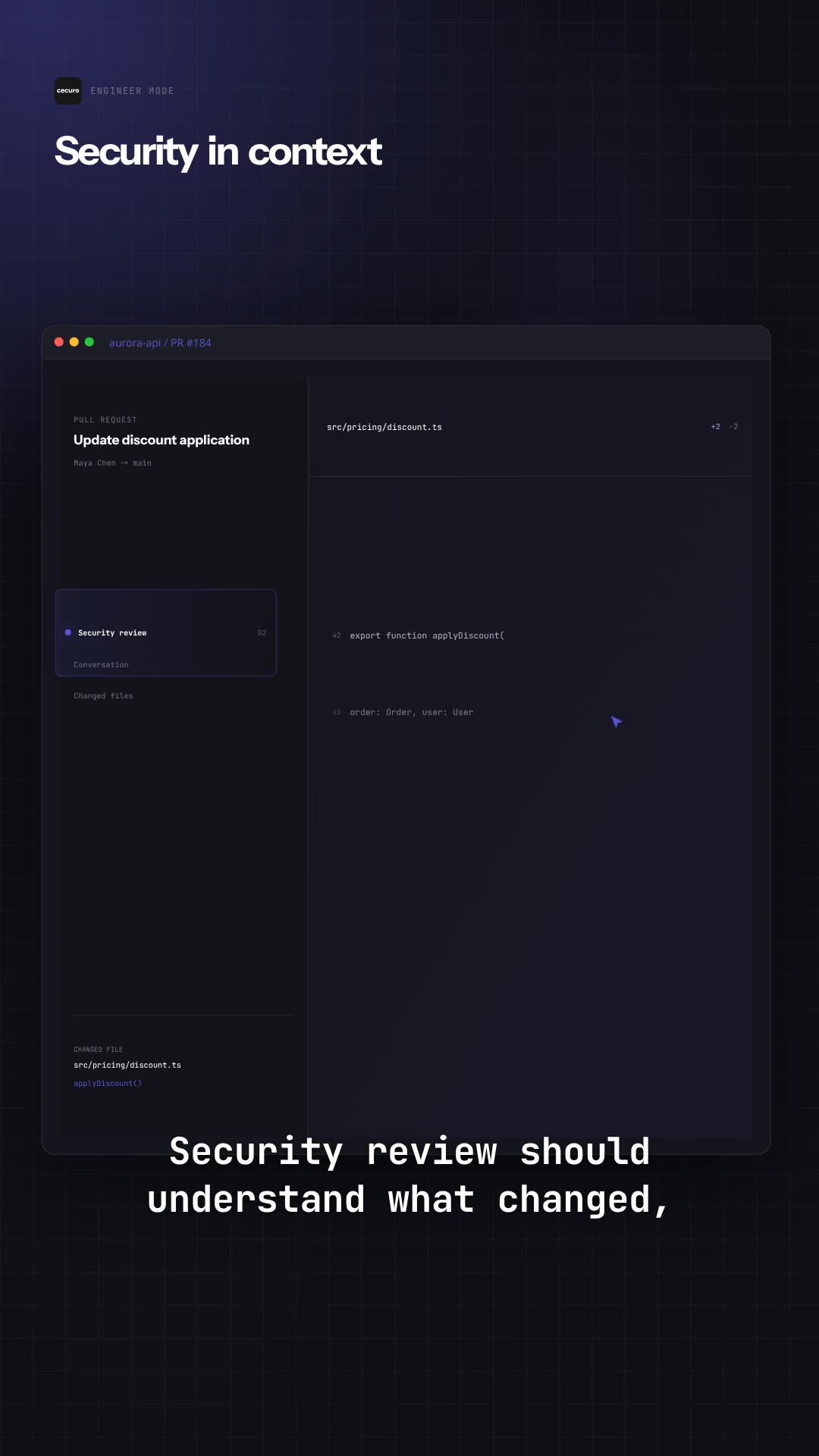
Sign in to your product in Frame24's secure browser and it captures each screen as it runs, or let your coding agent capture the app from your code over MCP. The captured components are saved and reused by later films.
Pick the story, click any scene and describe the change. Preview in the browser, then render to 16:9, 9:16 and 1:1 — each re-composed rather than cropped.
Why software is hard to film
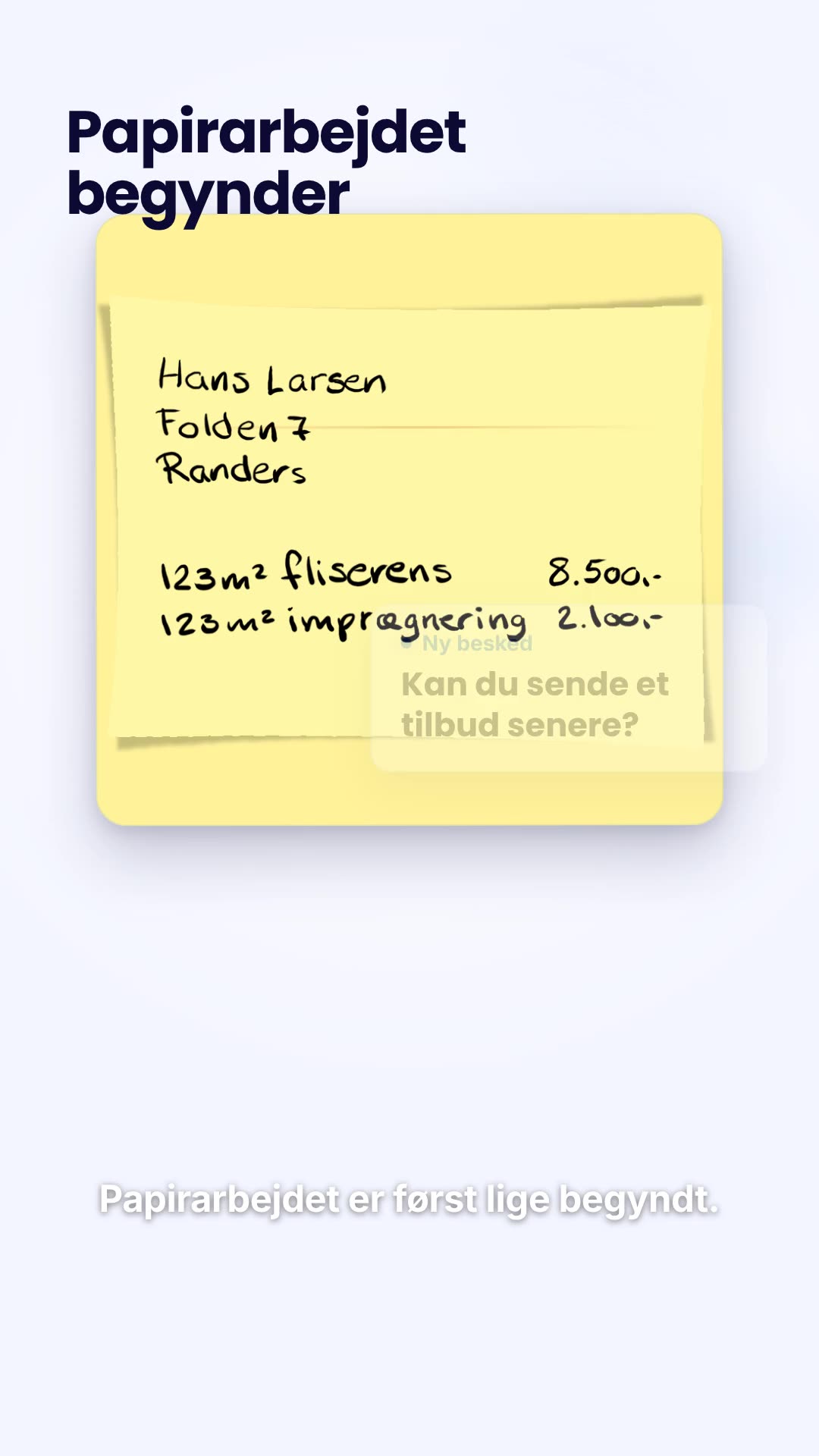
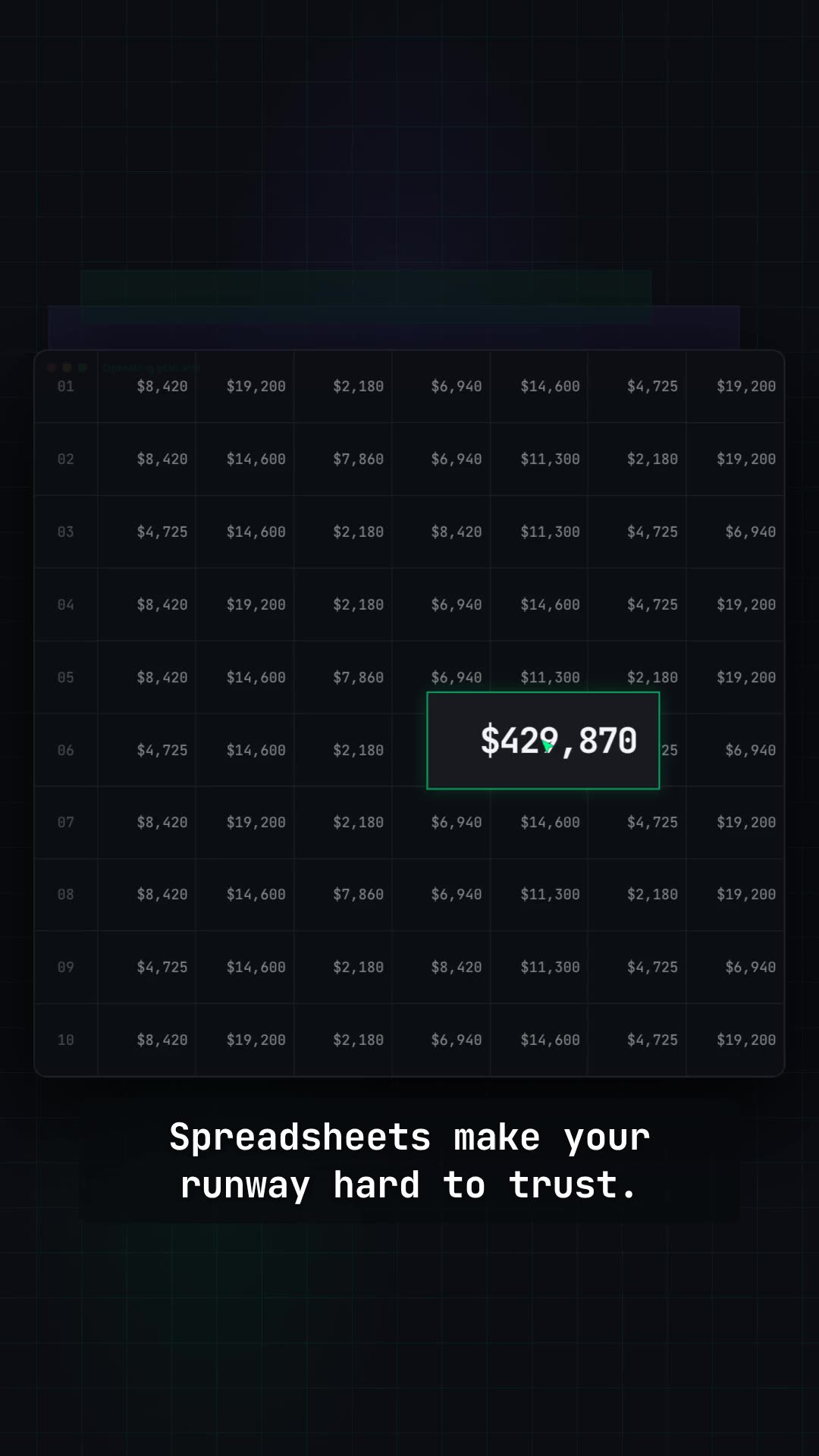
Software rarely photographs well. The thing worth showing is a state change — a queue becoming a shortlist, a mess becoming a document — and that only reads if the interface is on screen doing it.
Your captured screens become the components the film is built from — real cards, rows and figures that move with the story — so viewers see the product they will actually sign into.
Colours, typography and logo are read from your site and applied across every scene, caption and lower third, so the second film matches the first.
Scenes are generated for your story rather than picked from a template library, so emphasis lands on the part of the screen that matters.
Voiceover, captions, music and sound effects are produced with the film. You choose the voice, or leave it silent for a muted autoplay hero.
Widescreen for the homepage and YouTube, vertical for Reels and Stories, square for feeds — re-composed per shape so the framing still works.
Download the MP4. No watermark, no per-use licence, no asking permission to put your own demo on your own site.
Straight answer
Finished films
Real renders from the pipeline. Each opens on its own page with a description of the product and the approach.
Use Frame24 from your AI assistant
Connect Frame24 to ChatGPT, Claude, Gemini or a coding agent in about two minutes. Your assistant can understand the product, capture the right screens, review the film and keep the whole process in the conversation.
Choose your assistant and connect itclaude mcp add --transport http frame24 https://studio.frame24.app/api/mcpStart Claude Code, type /mcp, choose frame24 and Authenticate. Sign in to Frame24 in the browser tab that opens and click Allow.
of surveyed consumers say they prefer a short video when learning about a product or service — which is most of the audience for a software demo.
Wyzowl State of Video Marketing 2026, a survey of 266 marketers and consumers. Video does not guarantee conversion — the honest measure is your own A/B test. Read the evidence and how to test it.
Questions
Choose the workflow your team can maintain. A screen recorder suits quick personal explanations; an interactive demo suits self-guided exploration. Frame24 is a SaaS demo video maker for a finished homepage, launch or sales film: review the product understanding, captured UI and story, then direct changes in words.
One recognisable buyer problem, the real workflow that changes it, and the result. Keep invented dashboards and unshipped features out of the brief. Frame24 uses captured interface elements inside a designed film; it does not provide a clickable sandbox or replace a detailed training tutorial.
Yes. Frame24 has an MCP server for coding agents — Claude Code, Codex, Cursor, VS Code, Gemini CLI and Windsurf — and in ChatGPT, Claude and Gemini as a custom connector (frame24.app/guides/connect-frame24-to-your-ai-assistant). Connect it with one command and a browser sign-in; the agent reads your codebase for the real feature names and brand, captures your actual UI, checks its understanding and the storyline with you, and renders the film. Setup is at frame24.app/mcp.
Paste your product's URL. Frame24 reads the site for your positioning, product detail, colours and typography, then proposes a few ways to tell the story. You pick one, capture your product's real screens in Frame24's secure browser (or have your coding agent capture them) and Frame24 builds the film. You review scenes in the browser and describe any changes in plain language before rendering.
Yes — the real, working interface. Sign in to your product in Frame24's secure browser and it captures each screen as it runs, or let your coding agent capture the app from your code over MCP. A public URL cannot expose screens behind your login, so you choose exactly which screens to capture. Those components are saved to a reusable project library, so the second film reuses the interface work from the first.
No. There is no avatar, no stock presenter and no talking head. A Frame24 software demo shows the product and the story around it. You can add a voiceover, and you choose the voice, but nobody appears on screen.
No. There is no timeline. You give feedback the way you would to a person — click a scene and say what should change — and Frame24 rebuilds the preview.
Brand research and creative directions arrive in minutes. Most of the elapsed time is you deciding on the story and the changes you want. The workflow is built for hours rather than the weeks an agency production cycle takes.
Thirty seconds for a homepage hero or a paid placement, sixty when the film has to carry a workflow with several steps. Frame24 makes both; a 60-second film costs more credits because there is more to write, plan and render.
Paste your URL and see the first cut of a demo film built from your own product.
Start your trial Three 30-second films · Card required · No generated media