What should I look for in an AI product demo video maker?
Start with the deliverable. Choose an interactive demo builder for a clickable tour, a recorder for your own walkthrough, or a product-film generator for a short narrated marketing asset. Frame24 makes the film from your website and approved interface capture, with a storyline you review before rendering.
Can I make sales demo films without recording myself?
Yes. Frame24 can produce a narrated software film around the real interface without a presenter or a performed screen-recording take. Focus the brief on one buyer problem and one workflow that proves the outcome. A film is not a live sales demo and viewers cannot click through it.
How do I make an app demo video?
Pick one task the viewer cares about, start from the screen a new user sees, show the steps that complete it and end on the result. With Frame24 you give it your website, capture the app's real screens in its secure browser, choose a story direction and get a narrated film in widescreen, square and vertical. Complete example films from the same pipeline are on frame24.app/examples.
Can my coding agent make a product demo video?
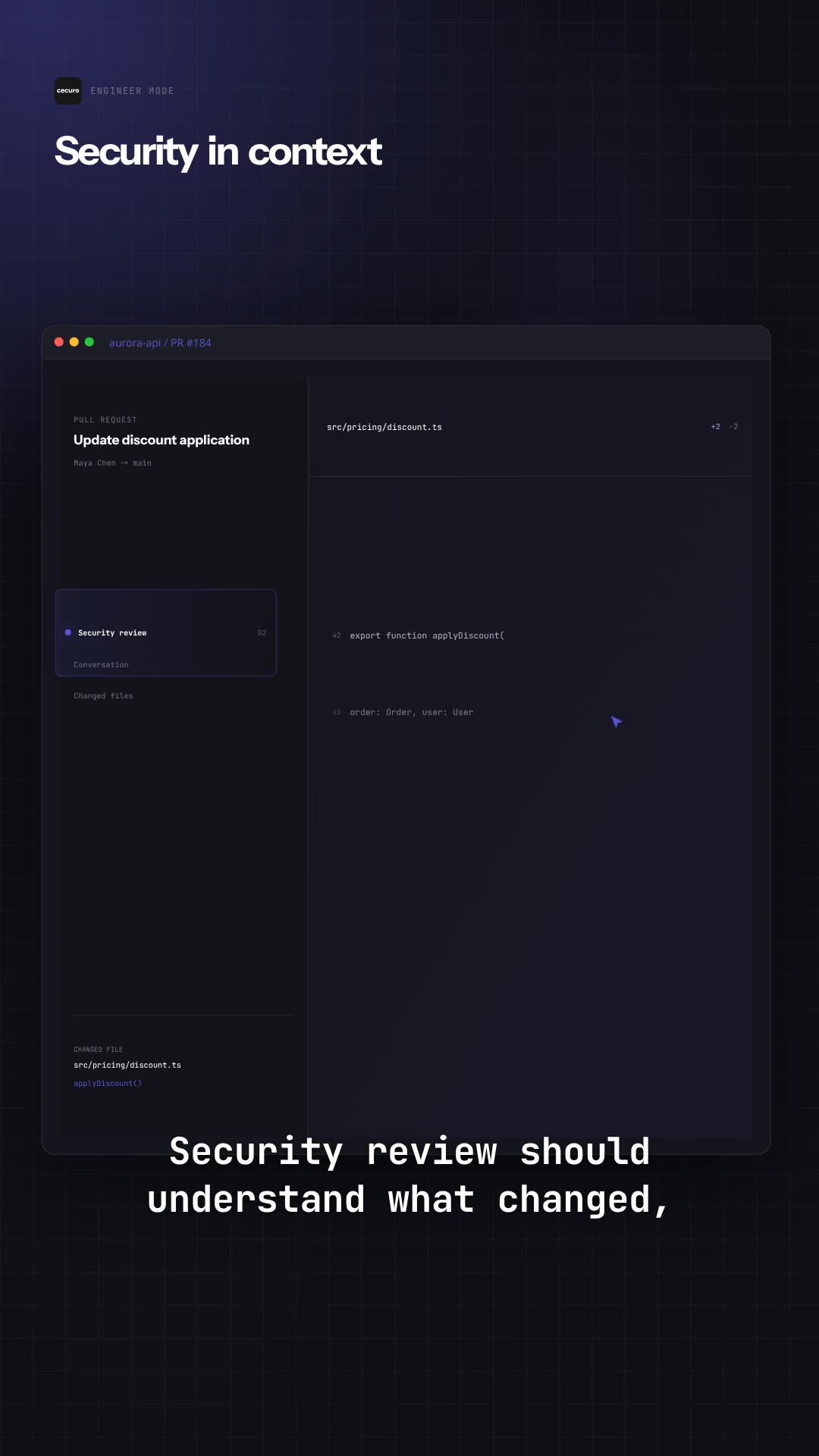
Yes. Frame24 has an MCP server for coding agents — Claude Code, Codex, Cursor, VS Code, Gemini CLI and Windsurf — and in ChatGPT, Claude and Gemini as a custom connector (frame24.app/guides/connect-frame24-to-your-ai-assistant). Connect it with one command and a browser sign-in; the agent reads your codebase for the real feature names and brand, captures your actual UI, checks its understanding and the storyline with you, and renders the film. Setup is at frame24.app/mcp.
Can Frame24 create a SaaS product demo?
Yes. A SaaS demo is the workflow Frame24 is built around: it reads your site, captures your real product interface from the running app, and composes a demo film that shows the product doing the job rather than a presenter describing it.
Can I make a product demo video without a video editor?
Yes, and without editing skills of any kind. There is no timeline, no keyframes and no export settings to get wrong. You choose a story direction, then refine by clicking a scene and describing what should change in a sentence.
Can I edit the generated video?
Yes. Every film is editable, scene by scene, in conversation. You can rewrite narration, change the tone, swap the voice or music, and preview each change in the browser before committing to a final render.
Does Frame24 use templates?
No. Scenes are generated for your specific story and brand rather than selected from a template library. That is deliberate: a template is recognisable, and two customers on the same template end up with the same film wearing different logos.
What do I need to get started?
A website URL is enough to begin. To show your real interface, add product screenshots, record a short walkthrough or use guided capture. Frame24 cannot see screens behind a login from a public URL, so you choose exactly which UI to provide and show. Those screens are saved to a reusable library for later films.
Will the video show my actual product UI?
Yes — when you add it. Upload screenshots, record a walkthrough or capture the live application in a guided browser session, and Frame24 builds those real screens into the story. If you only provide a public website, the film is built from the public product and brand material available there.
What quality can I expect from the generated video?
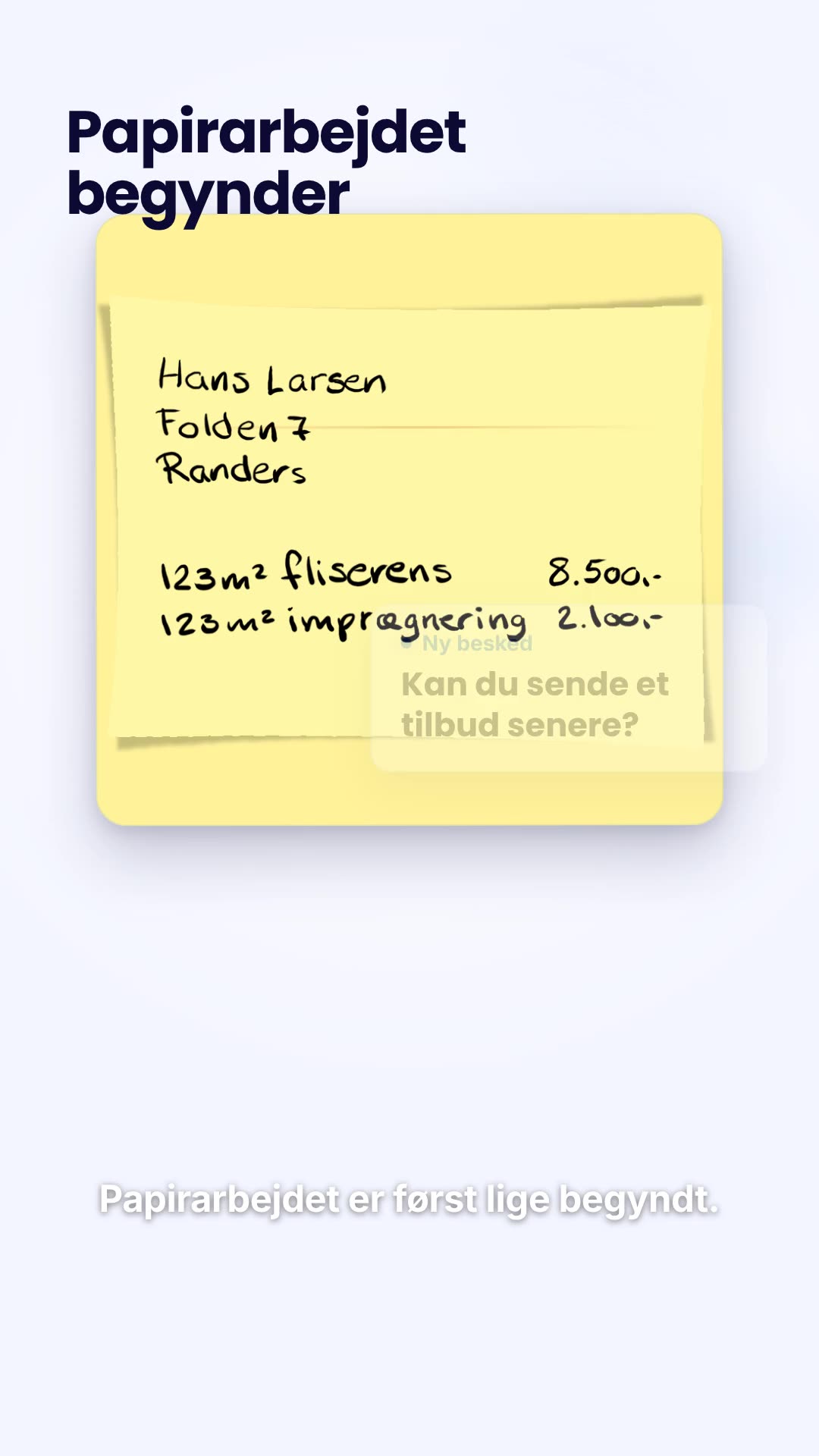
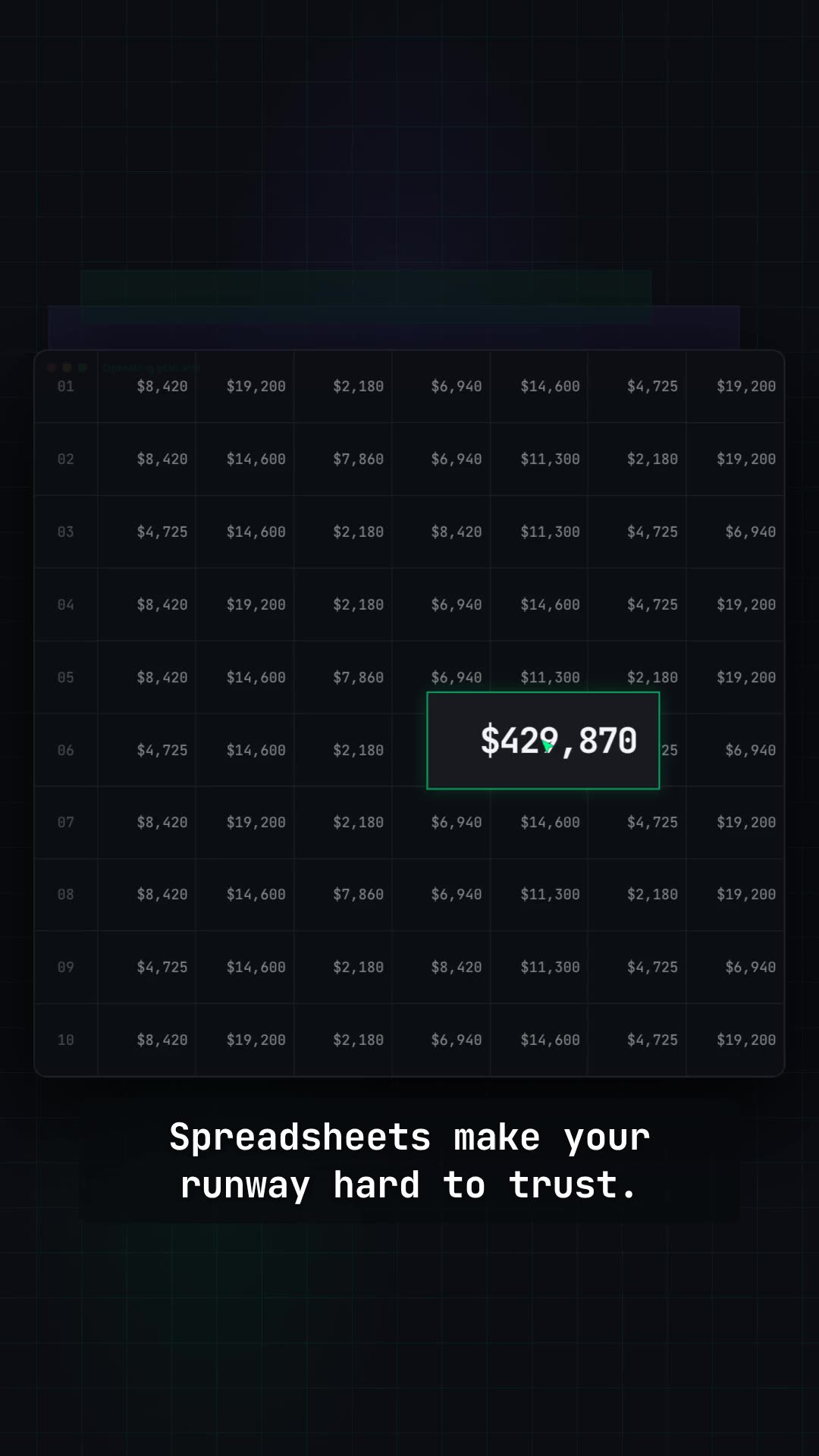
Frame24 produces a complete, polished film rather than a slideshow or editing draft: designed motion scenes, your brand and product UI, narration, voice, music and captions. The public examples are full renders from the same pipeline, not template previews. The exact result depends on the website, UI and direction you provide, and every scene remains editable before the final render.
How much does a product demo video cost?
Frame24 starts with a 3-day trial (card required) that includes three 30-second films to watch and share; it becomes your chosen plan unless you cancel. Downloading a single 30-second film is $20, or included with a plan. Paid plans start at $39 per month and include monthly production credits.