Frame24 vs Tella: record a walkthrough, or produce a film?
Tella starts with your screen or camera recording and helps you edit and share it. Frame24 starts with your product: its website, brand and captured interface. It writes and produces a narrated film without asking you to perform a take.
Three 30-second films · Card required · No generated media
In plain terms
What Frame24 is
Frame24 is an AI product video generator for a company's own website, brand and real interface. It composes a product story into scenes rather than editing a recording of a presenter.
Best for
SaaS founders and marketers who need a public-facing demo or launch film, particularly when nobody wants to record themselves explaining the product.
How it differs
Tella is a recording and editing workflow. Frame24 is a directed product-film workflow with generated narration and conversational scene edits. Pick the route that matches the source material you want to create.
The honest version
Different tools for different videos.
Pick by the video you need, not by the feature list. Tella is excellent at its job; this is what each one is for.
Frame24 and Tella compared by job
Tella
Frame24
Starts with
A screen or camera recording
A website, brand and captured product interface
Your role
Record the explanation, then edit
Review the story and direct the scenes
Voice
Recorded microphone audio
A selected narration voice, or no voiceover
Editing
Timeline and transcript tools
Describe the scene change in plain words
Best fit
Personal walkthroughs, tutorials and recorded messages
Branded product demos, launch films and feature announcements
Pricing
Published on tella.com
A 3-day trial with three 30-second films, then published plans on our pricing page
Tella’s features and prices change often, so this compares what each product is built for rather than quoting numbers that go stale. Check tella.com for their current plans.
Choose by deliverable
Which one, for what.
Choose Frame24 when
You want a narrated film without recording a presenter
The film needs its own product story and brand direction
You want the same film composed for widescreen, square and vertical
You want your coding agent to direct the product film
Choose Tella when
Your own face or voice is central to the video
You want to record a tutorial or personal walkthrough
You want timeline or transcript editing of a recording
The exact recorded explanation should stay intact
What product-led looks like
Your product, your brand.
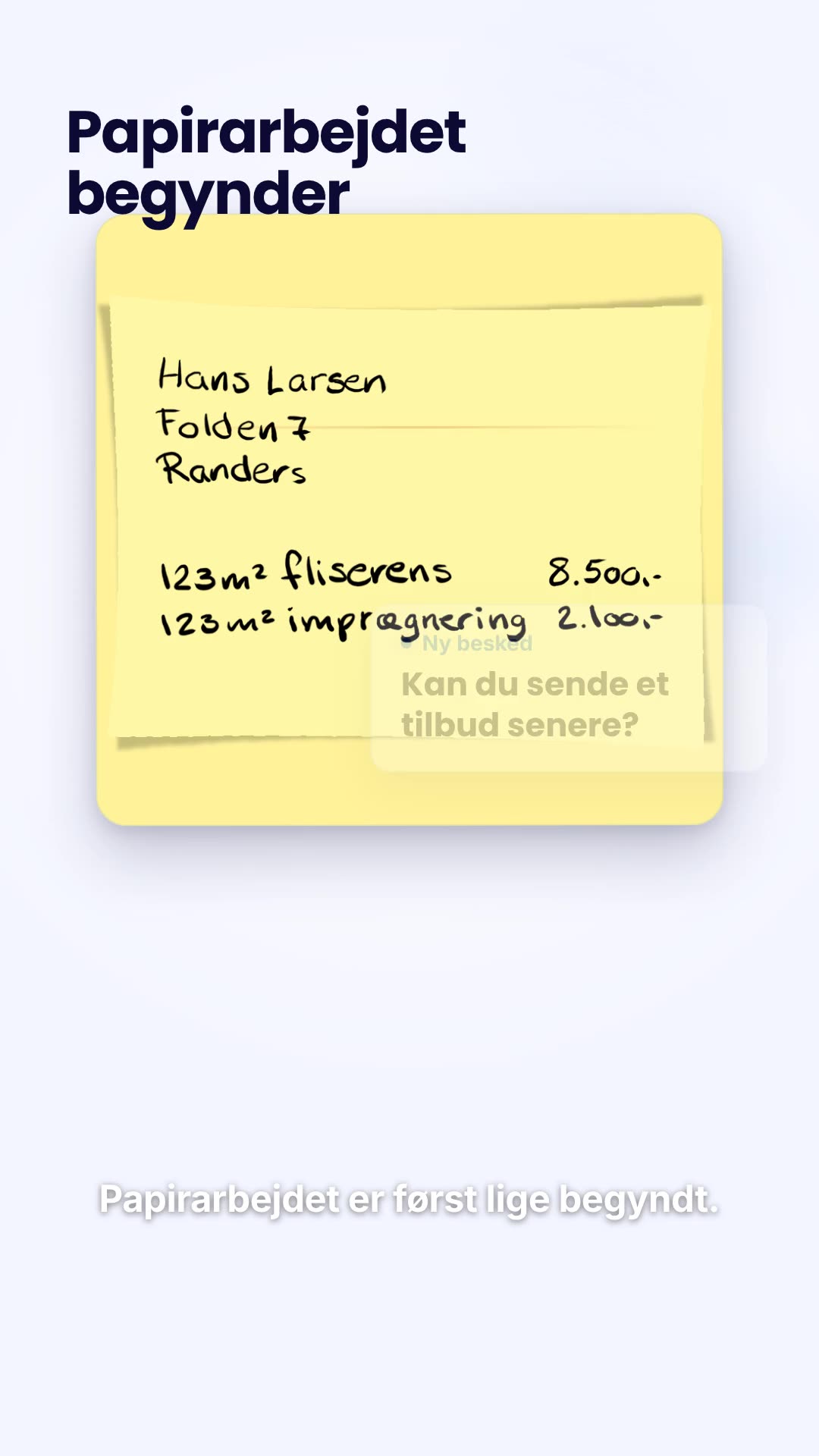
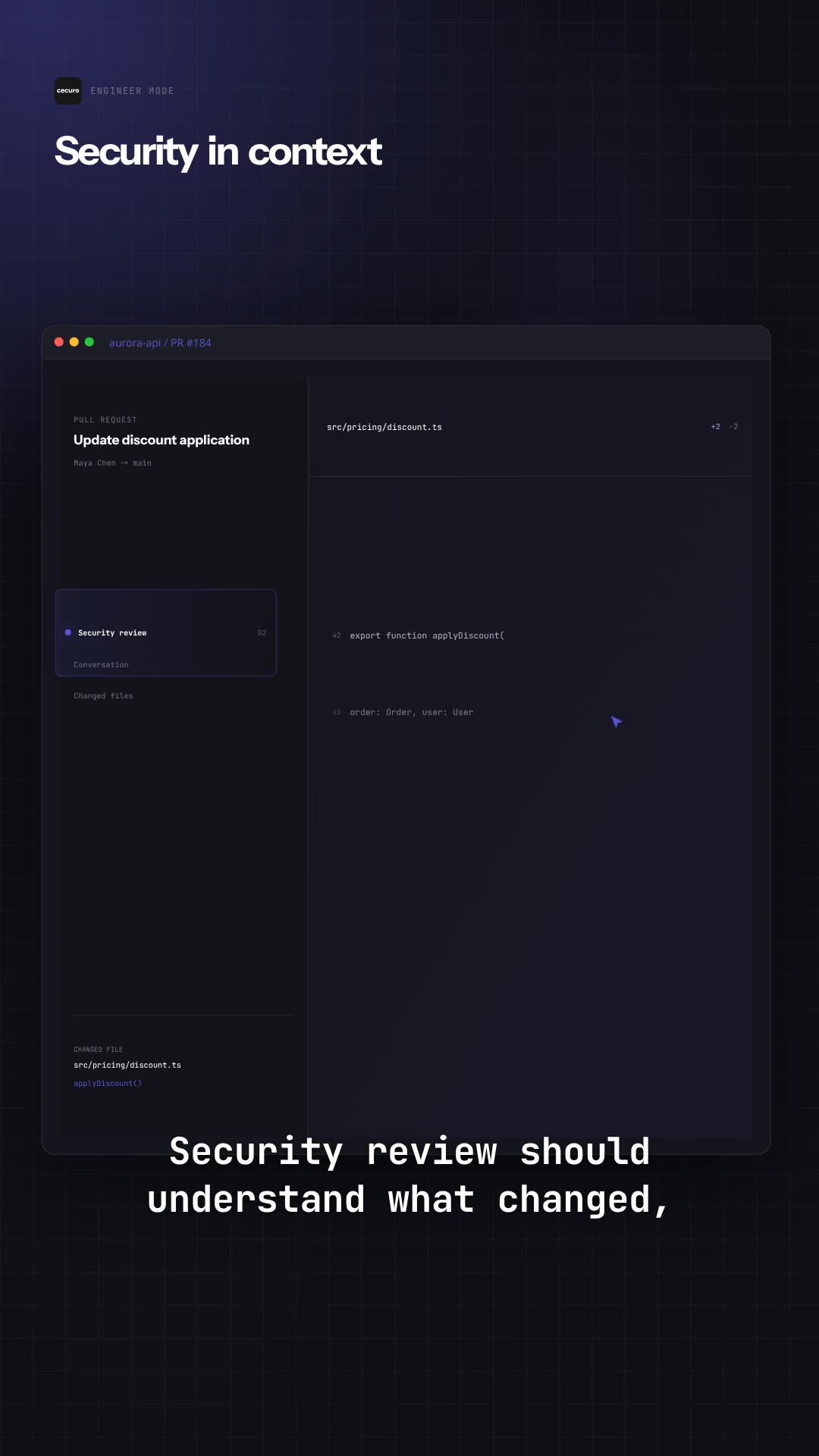
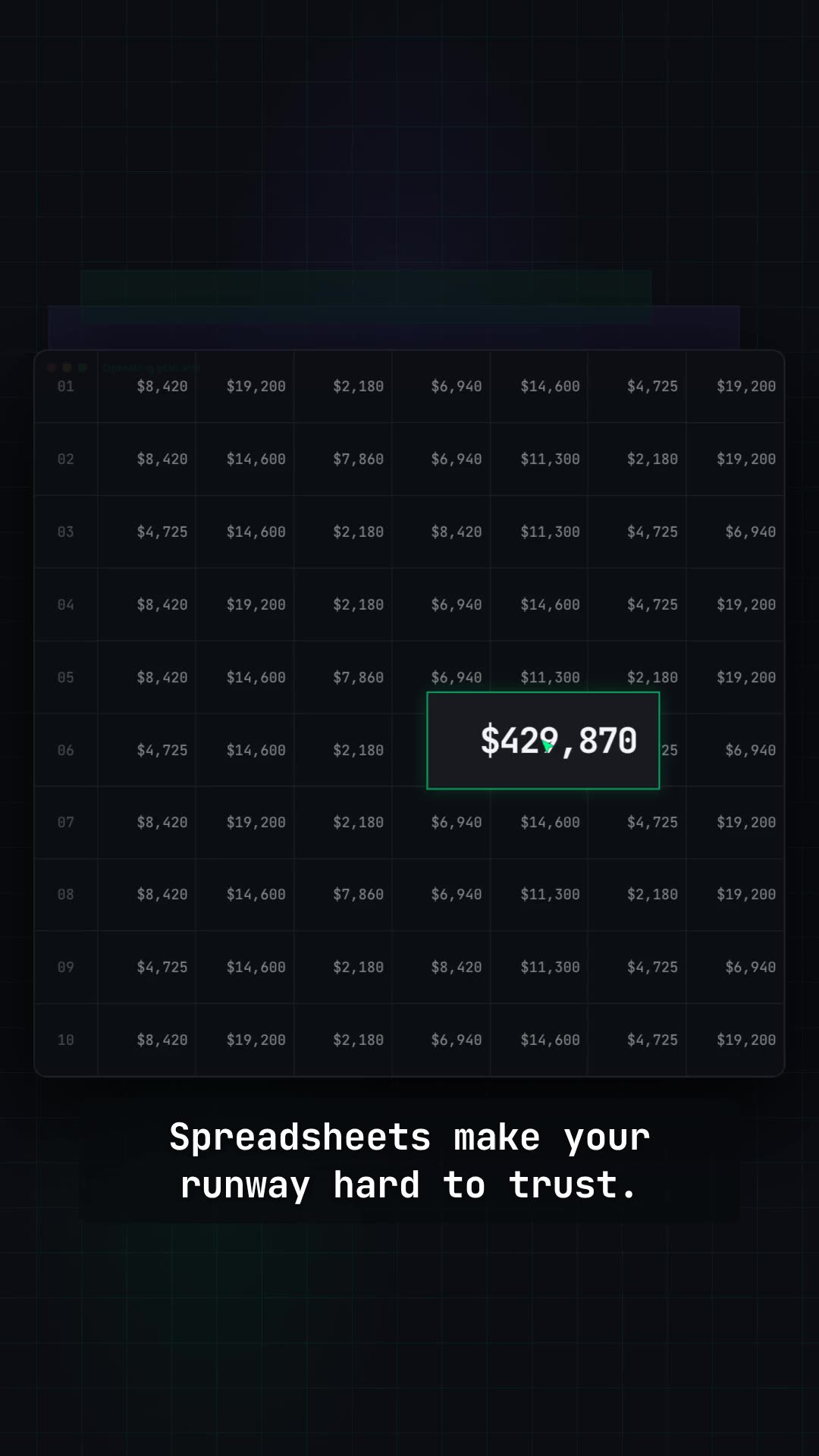
Films built from a company's own interface and brand.
Let the agent that already knows your work make the film.
Connect Frame24 to ChatGPT, Claude, Gemini or a coding agent in about two minutes. Your assistant can understand the product, capture the right screens, review the film and keep the whole process in the conversation.
claude mcp add --transport http frame24 https://studio.frame24.app/api/mcp
Start Claude Code, type /mcp, choose frame24 and Authenticate. Sign in to Frame24 in the browser tab that opens and click Allow.
Questions
Answered plainly.
Is Frame24 a Tella alternative?
For a branded product demo or launch film, yes. For recording yourself explaining a workflow or making a personal video message, Tella is designed for that job.
Does Frame24 record my camera or microphone?
No. Frame24 composes the film from your product and brand, with an optional chosen narration voice. It is not a camera or screen recorder.
Can I use my real app in the film?
Yes. Frame24 captures your running app's interface through a secure browser or your coding agent. You review which screens become part of the story.