Name the buyer and the problem
Write one sentence about who this release is for and what they can do differently. Leave the rest of the roadmap out.
Product launch video
You already did the hard part. Frame24 turns your product, website and brand into a launch film that makes the thing feel real — and into the feature announcements that follow it.
Three 30-second films · Card required · No generated media
In plain terms
Before you render
Use this short brief before choosing a storyline. It keeps a launch film focused on the shipped product and gives you a concrete way to review the first cut.
Write one sentence about who this release is for and what they can do differently. Leave the rest of the roadmap out.
Capture the starting state, the meaningful action and the visible result in the real app. Use approved demo data.
Decide whether the film leads to a trial, a demo or a product page. Make that next step explicit, then choose widescreen, square or vertical for its placement.
How it works
Get the narrative right once, then take it to each placement.
Paste the URL of the product or the launch landing page. Frame24 reads the claim, the detail and the brand, so the film opens from the positioning you already committed to.
Choose the direction that fits the launch — the reveal, the problem-first build, the demonstration. Adjust the pacing and the claim by describing what you want.
Render widescreen, vertical and square from the same film, then reuse the components for the feature announcements that come after.
Beyond launch day
Most teams need the same thing again six weeks later, for a smaller moment.
A shipped feature deserves a film that shows it working. Start from the feature page, capture the workflow in the running app and review the story before rendering.
Turn a release into something a customer will watch instead of a changelog entry they will skim past.
Your Brand Kit and saved product components persist, so a quarter of announcements looks like one deliberate campaign.
The same story re-composed for the feed, the pre-roll and the homepage hero without recutting by hand.
The launch film doubles as the opener for a pitch, a proposal or a conference stage — one asset, several jobs.
Use the film in paid media, on your homepage or on a stage. You own it outright.
Straight answer
Finished films
Software and consumer, widescreen and vertical.
Use Frame24 from your AI assistant
Connect Frame24 to ChatGPT, Claude, Gemini or a coding agent in about two minutes. Your assistant can understand the product, capture the right screens, review the film and keep the whole process in the conversation.
Choose your assistant and connect itclaude mcp add --transport http frame24 https://studio.frame24.app/api/mcpStart Claude Code, type /mcp, choose frame24 and Authenticate. Sign in to Frame24 in the browser tab that opens and click Allow.
say video quality affects how much they trust a brand — which matters most on the day you are introducing one.
Wyzowl State of Video Marketing 2026, a survey of 266 marketers and consumers. Video does not guarantee conversion — the honest measure is your own A/B test. Read the evidence and how to test it.
Questions
Choose by source material and control. A recorder suits a founder-led walkthrough, a template editor suits a team that wants to assemble the design, and an agency suits bespoke filming or illustration. Frame24 produces a branded launch film from your website and real UI, with story approval before rendering and conversational scene revisions.
A repurposing tool is useful when a webinar, interview or recording already contains the message you need. A new product launch may need a different story and visual structure. Frame24 creates a new product film; it does not cut highlights from an uploaded long video.
A launch trailer is a short film, usually 30 to 60 seconds, that announces a product or release: the problem, the product doing the new thing, and where to get it. For a software launch it should show the real interface rather than abstract motion. Frame24 makes it from your website, brand and captured product screens, with vertical and square cut-downs for the launch posts and a release video for the changelog.
Yes. Frame24 writes, designs, voices and renders the film. You direct it by choosing a story and describing changes in plain language. No editing software is involved at any point.
The same way as a launch film, at smaller scale. Point Frame24 at the feature's page or paste a short description, capture the feature in use in Frame24's secure browser (or let your coding agent capture it), and make a 30-second film. Because your Brand Kit persists, each announcement matches the last without redoing the setup.
Widescreen for the homepage, a launch post or a stage; vertical for Reels, TikTok and Stories; square for feed placements. The film is re-composed for each shape rather than cropped, so the framing still works in all three.
Yes, and that is the usual pattern: a longer hero film plus shorter cuts for social and paid. Your brand, product UI and saved components carry across all of them, so the set looks like one campaign.
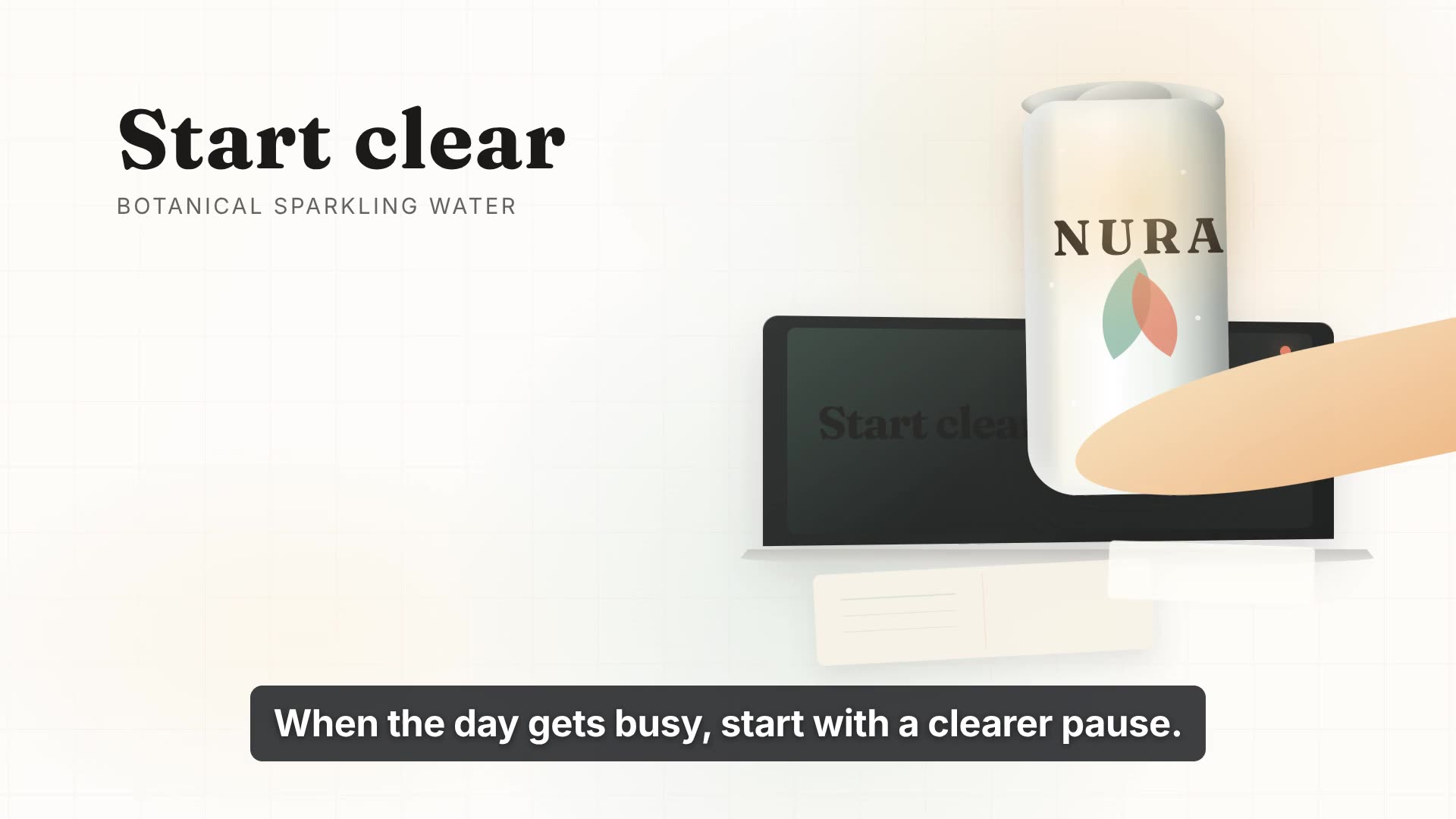
Yes. The pipeline works from brand, product imagery and story rather than from screen recordings specifically. The NURA film on this page is a consumer drinks launch rather than software.
A day is enough to have something finished. The constraint is usually your own sign-off cycle, not the production — brand research and creative directions arrive in minutes, and a finished 30-second film usually takes about half an hour to make.
Use Frame24. Paste your website, capture the screens that show the new feature in Frame24's secure browser, pick one of the storylines it proposes and approve it; it writes, voices, scores and renders the film, and a 30-second film is usually ready in about half an hour. You change any scene by describing what you want, and get widescreen, vertical and square versions for the launch.
Make the film first and see how the story holds. Three 30-second films on a 3-day trial.
Start your trial Three 30-second films · Card required · No generated media