How to turn a website into a video
A practical, step-by-step method for turning an existing website into a concise product or brand video without starting from a blank script.
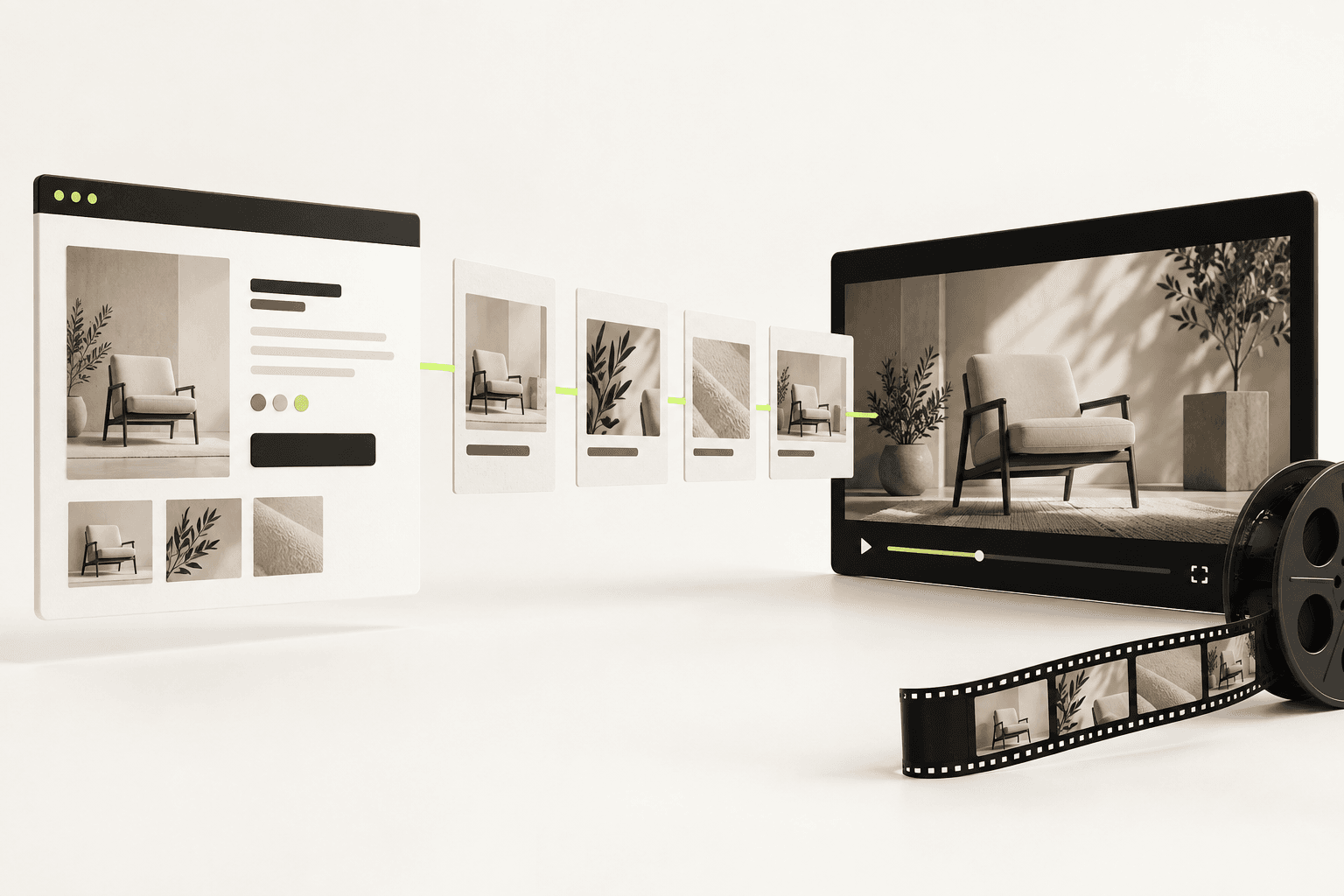
A website is often the best starting point for a company video. It already contains the approved positioning, visual identity, product screenshots and calls to action. The job is not to read the page aloud. It is to reduce that material to one clear story and give each part enough time to land.
The short version
- 1. Choose one viewer and one outcome
- Decide exactly who should watch and what they should understand or do next.
- 2. Extract the proof
- Collect the strongest promise, three supporting points, useful interface moments and one call to action.
- 3. Build a six-scene story
- Move from problem to promise, proof and action instead of following the page from top to bottom.
- 4. Render, review and cut
- Check the first three seconds, muted comprehension and whether every scene earns its place.
The four approaches
| Approach | What you get | Best for | Watch out for |
|---|---|---|---|
| Scroll capture | A recording of the page scrolling | Design showcases and updates | It is your page, not a story about the product |
| Text plus stock | A script over licensed clips | High-volume social content | The footage is generic by construction |
| Avatar narration | A presenter reading the page | Verbal messages | The product itself may stay off screen |
| Brand-native composition | Original scenes in your palette and type | Homepage films and launches | It still depends on the site saying something |
1. Define the job before you collect content
Write one sentence in this form: After watching, [audience] should understand [single idea] and [next action]. A homepage film may introduce the category. A sales follow-up may answer one objection. A launch clip may show a new workflow. Trying to do all three creates a tour rather than a story.
2. Audit the page for usable ingredients
Copy the page into a working document and mark only what is specific and provable. Keep the main promise, the clearest outcome, product states that demonstrate it and any concrete evidence. Ignore navigation, repeated feature language and generic claims such as faster or smarter unless the page explains how.
| Website element | Use it in video as | Usually cut |
|---|---|---|
| Hero headline | Opening promise or final payoff | Long subhead copy |
| Feature section | One visible action and result | Feature-by-feature tour |
| Customer proof | A short metric or attributed claim | Logo walls without context |
| Call to action | One final instruction | Multiple competing buttons |
3. Turn the page into six scenes
A reliable structure is: tension, promise, how it works, proof, payoff, action. Give each scene one sentence and one visual idea. This is deliberately different from scrolling through the website. A page lets visitors choose their path; a video has to direct attention in a fixed order.
- Open on the problem or outcome, not a logo animation.
- Use interface footage only when the action proves the line on screen.
- Keep important text inside mobile-safe margins and readable without pausing.
- End with one low-friction next step and hold it long enough to read twice.
4. Match the visual system to the brand
Reuse the website's type hierarchy, colours, spacing and image treatment so the film feels like the same company. Do not import every decorative motif. Choose two or three repeatable motion behaviours: for example, a masked reveal, a confident camera move and a consistent way to introduce type. Repetition makes the work feel directed.
5. Review the cut like a first-time visitor
Watch once with sound off and once on a phone. Ask someone unfamiliar with the product to describe the offer and next step. If they cannot, fix the sequence before polishing transitions. Export a widescreen version for the site and sales, then recompose a shorter vertical cut rather than merely cropping it.
Questions people ask
Can you make a video from just a website URL?
Yes, as a starting point. A public page supplies the positioning, the brand and any product imagery it shows, which is enough for a first cut. Anything behind a login is captured separately: you sign in once in Frame24's secure browser, or your coding agent captures the app.
How long should a website video be?
Thirty seconds for a homepage film, up to sixty when the product needs a demonstrated workflow. Longer versions almost always contain a feature tour that could be cut without losing the argument.
Keep reading
Best website-to-video AI tools in 2026: turn a URL into a video
URL to video means at least four different products. Decide which video you want before you paste the link.
What a product video actually costs in 2026
Five routes, from $0 to $50,000, and what each one actually buys. Plus the three costs that never appear in a quote and usually decide the annual bill.
How to make a product demo video
The best demo is not a tour. It is proof that one important job becomes easier. Here is how to script and show that proof.