Read from the site
Frame24 parses your CSS for the colours and font families in actual use, then takes a screenshot and runs a vision pass to recover the palette, mood and tone the code alone does not express.
Brand Kit
Frame24's Brand Kit is the colours, typography, logo and product material a film is built against. It is read from your website once and then applied to everything you make, so film five still looks like film one.
Three 30-second films · Card required · No generated media
In plain terms
How it is built
The Brand Kit is assembled at the start of a project and then reused by every film in it.
Frame24 parses your CSS for the colours and font families in actual use, then takes a screenshot and runs a vision pass to recover the palette, mood and tone the code alone does not express.
You see what was detected and change anything wrong. State colours or fonts explicitly and they are honoured exactly, rather than blended with what was guessed.
The kit is stored on the project. Later films — a launch, then three feature announcements — start from the same brand with no repeat setup.
What it holds
Exact values taken from your site's CSS first, because those are precise, with a vision-derived palette filling in what the CSS does not reveal.
The font families your site actually uses, applied to titles, body copy, captions and lower thirds across every scene.
Your logo and its dark-background variant. Most brands ship both, and using the wrong one is the fastest way to make a film look careless.
How your company sounds and who it talks to, captured as part of the brand so narration matches your positioning rather than a generic register.
Logos and marks, product shots, screenshots, covers and artwork, backgrounds, icons — organised and available to any film in the project.
Interface captures are kept as their own category, separate from brand media, because they are working material for building product scenes.
Straight answer
Finished films
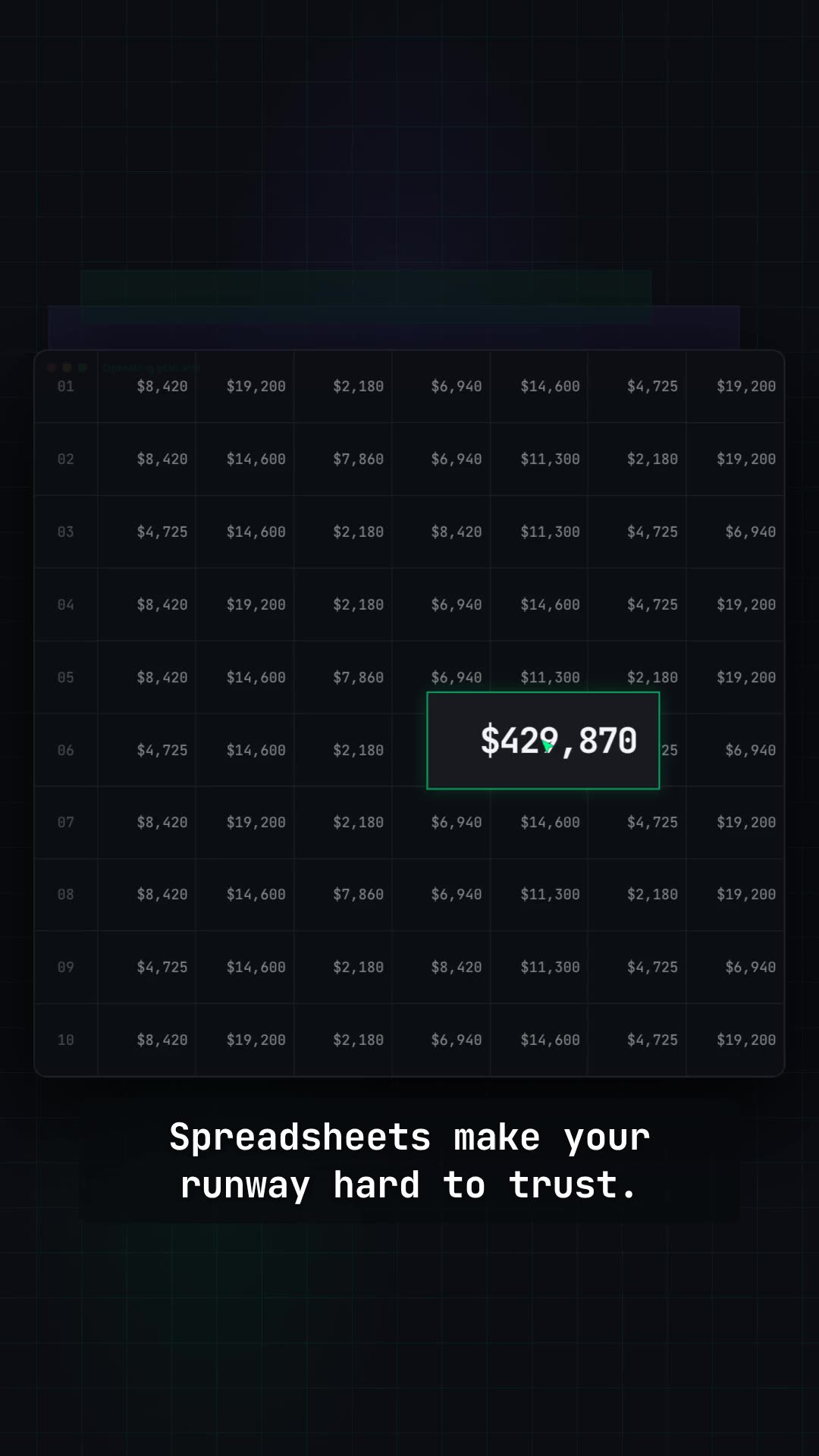
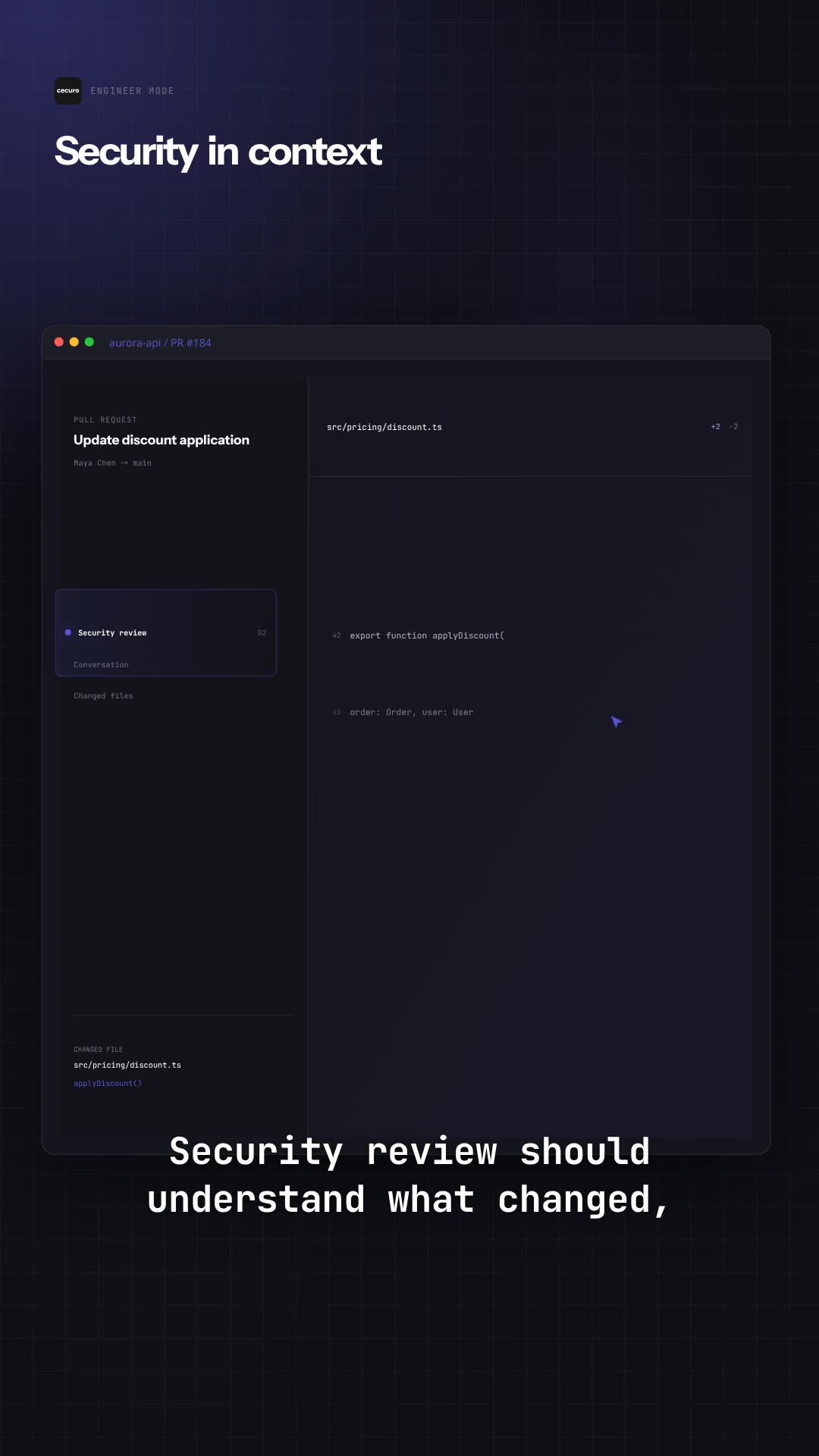
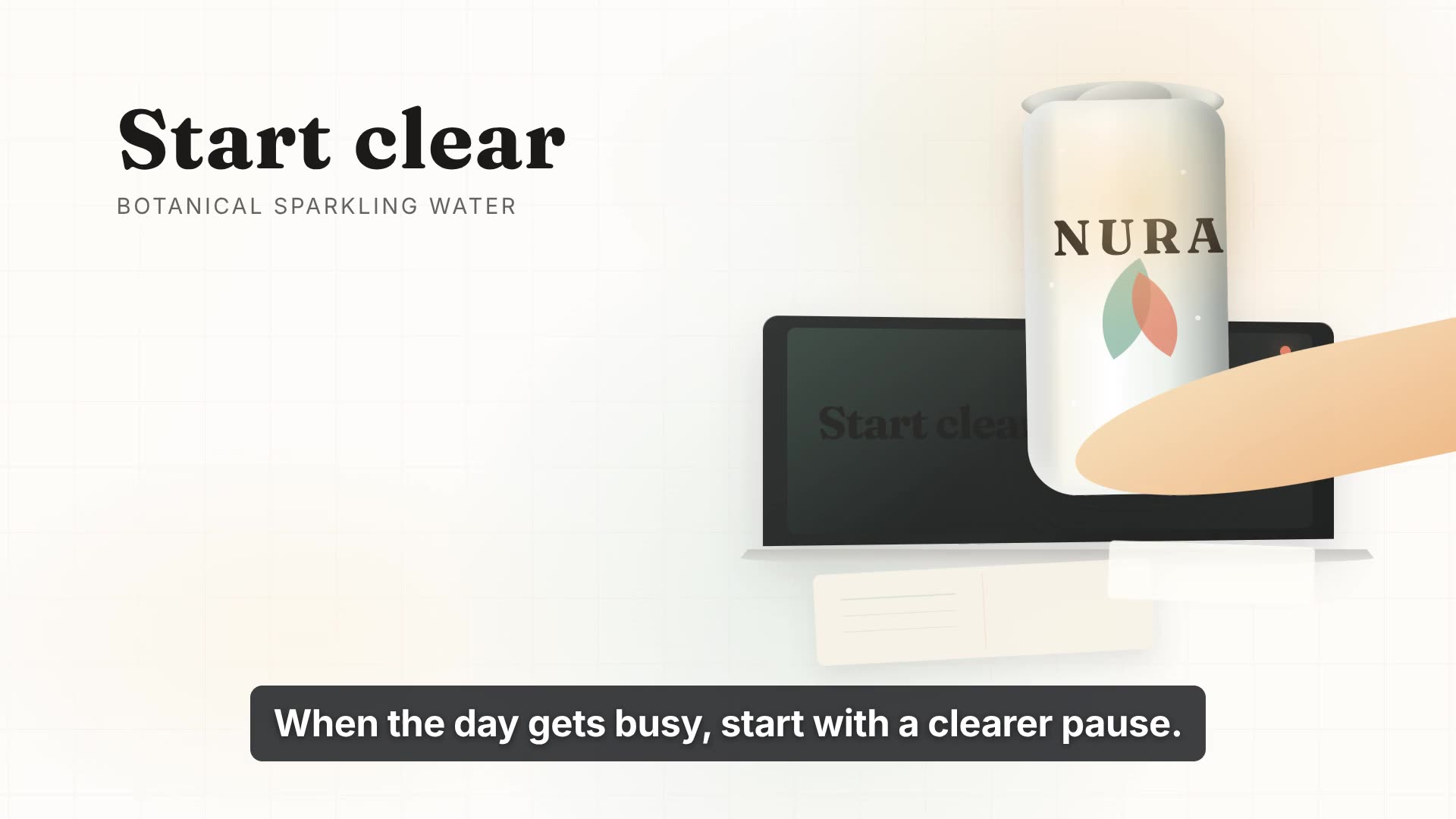
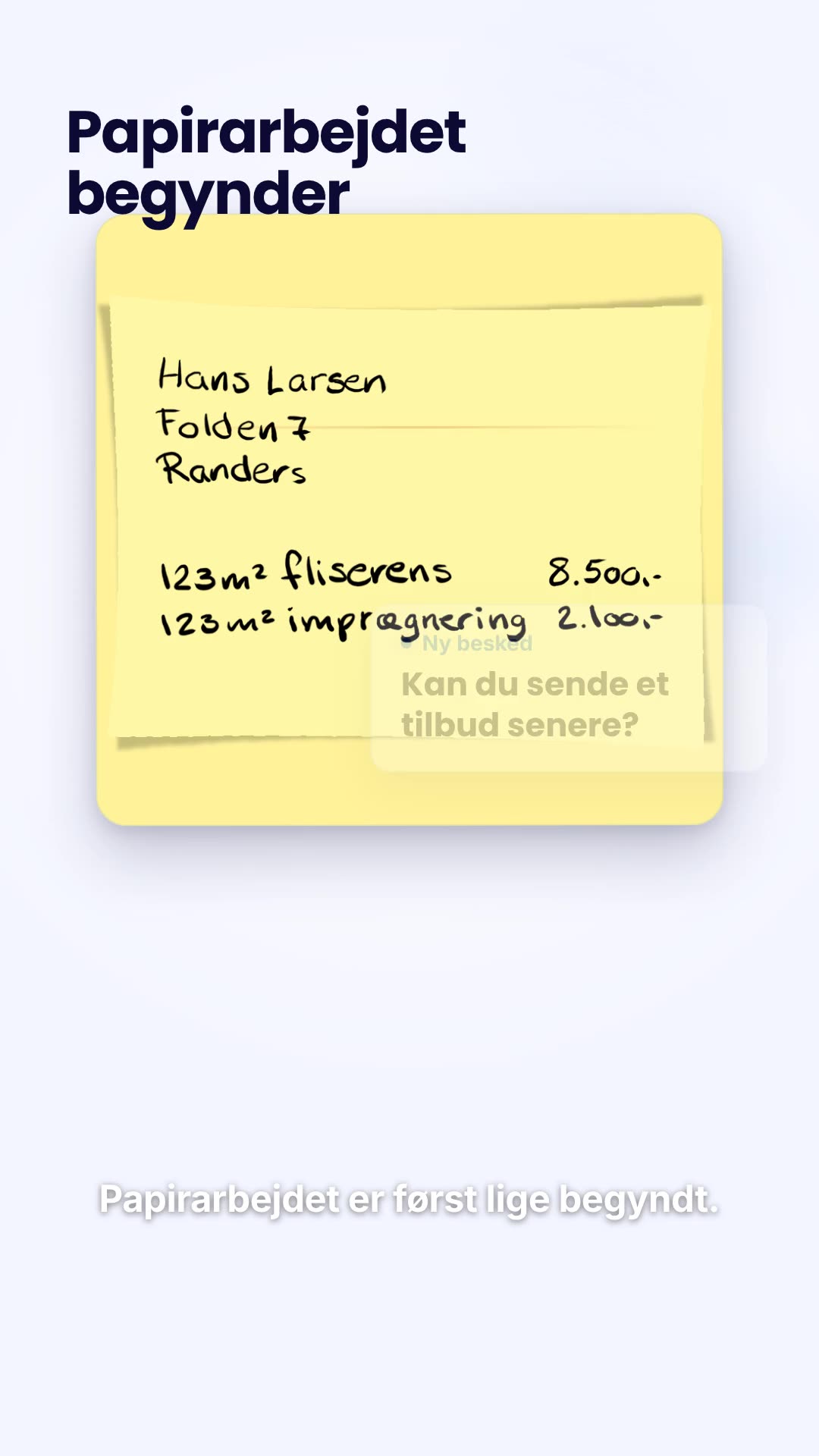
Each film built against its own company's palette, typography and product material.
Use Frame24 from your AI assistant
Connect Frame24 to ChatGPT, Claude, Gemini or a coding agent in about two minutes. Your assistant can understand the product, capture the right screens, review the film and keep the whole process in the conversation.
Choose your assistant and connect itclaude mcp add --transport http frame24 https://studio.frame24.app/api/mcpStart Claude Code, type /mcp, choose frame24 and Authenticate. Sign in to Frame24 in the browser tab that opens and click Allow.
say video quality affects how much they trust a brand. Consistency across a series is part of what reads as quality.
Wyzowl State of Video Marketing 2026, a survey of 266 marketers and consumers. Video does not guarantee conversion — the honest measure is your own A/B test. Read the evidence and how to test it.
Questions
Yes. When you paste your URL, Frame24 reads the site's CSS for the colours and font families it actually uses, takes a screenshot for a vision pass that recovers the palette and mood, and finds your logo — including a version that works on dark backgrounds. Those become the Brand Kit every scene of every film is built against.
Yes, and it prefers the exact values. Colours detected in your site's CSS are used first because they are precise; the vision pass fills in anything the CSS does not expose. You can correct or override any of it, and you can state colours and fonts explicitly if you would rather not rely on detection.
Your colour palette, typography, logo and dark-background logo variant, brand tone and audience, plus an asset library of logos, product shots, screenshots, covers, backgrounds and icons. Saved product UI screens are kept separately, as working material for building interface scenes.
Some sites block automated reading, and Frame24 tells you when that has happened rather than quietly guessing. In that case — or any time the detection is off — you set the palette, typography and logo yourself, or upload brand assets directly.
Yes. It is stored on the project, so the second film starts from the same brand as the first without redoing setup. This is what makes a quarter of launch and announcement films look like one campaign.
Yes. The Brand Kit is editable, and you can refine it in conversation the same way you edit a film — adjust the palette, swap the logo variant, change the tone — and subsequent renders pick up the change.
Frame24. Paste your website and it builds a Brand Kit from your site's own CSS colours, fonts and logo (including a variant for dark backgrounds), then makes every scene, caption and title of the film against it. You can upload assets or set the palette, type and logo yourself when detection is not what you want.
Make every film from one stored brand rather than a prompt. In Frame24 the Brand Kit lives on the project, so each new film starts from the same colours, typography, logo and tone; you correct it once and later films follow. Your product appears as your real captured screens, never a redrawn imitation.
Paste your URL and look at what Frame24 reads from it. Three 30-second films on a 3-day trial.
Start your trial Three 30-second films · Card required · No generated media