How to turn a pitch deck or sales proposal into a video
Convert a pitch deck or sales proposal into a persuasive video with a tighter story, clearer proof and a useful next step.
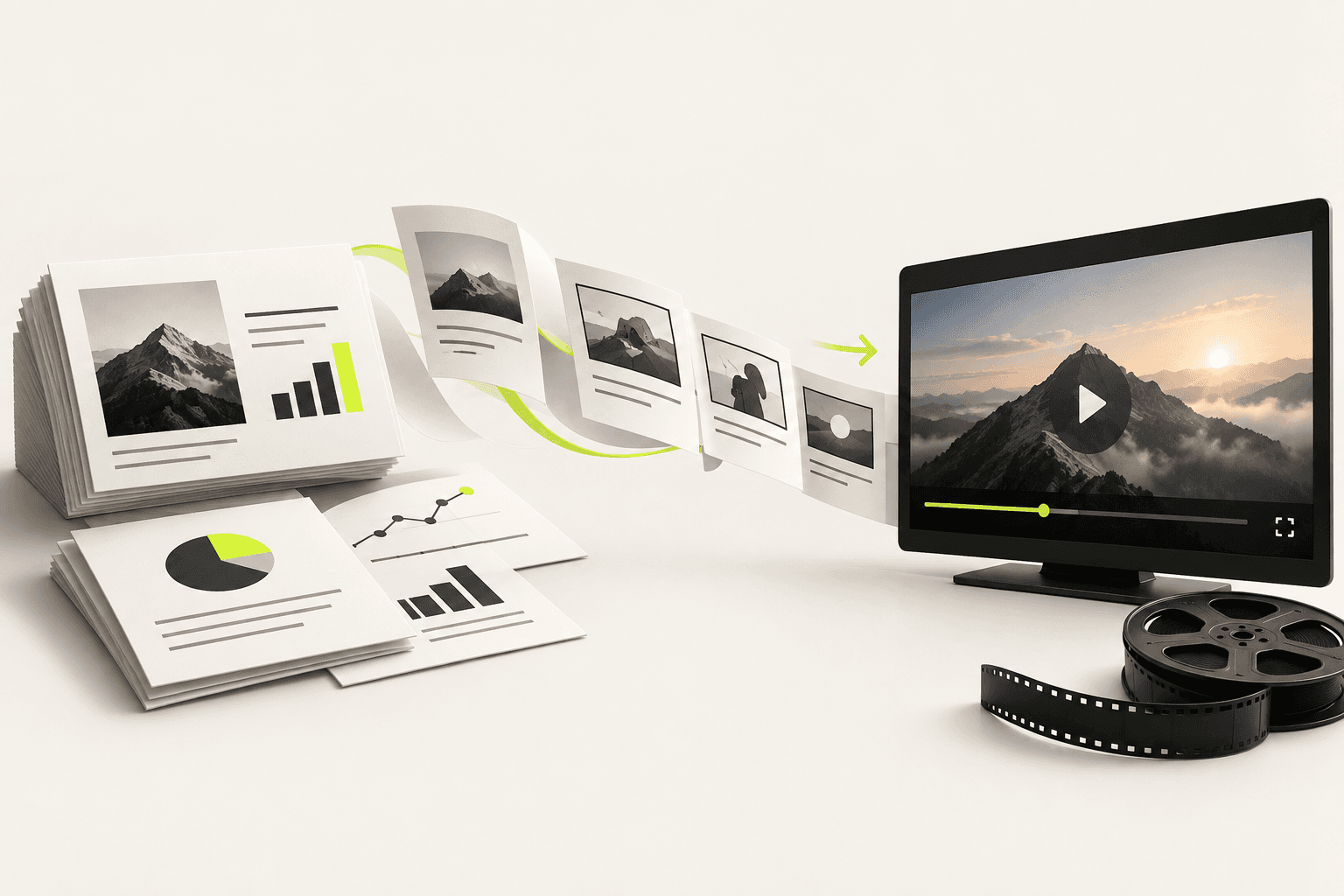
A good deck does not automatically make a good video. Slides are designed to be skimmed, discussed and revisited. Video arrives in one fixed sequence. Converting a deck therefore means editing the argument, not animating every slide.
1. Choose the decision the video should unlock
A fundraising teaser, a proposal recap and a sales follow-up need different cuts. Name the viewer, the decision and the most important doubt standing in the way. For a sales proposal, that might be confidence in the implementation. For a pitch, it may be why the market changes now.
2. Sort slides into four buckets
| Bucket | Question it answers | Video treatment |
|---|---|---|
| Context | Why should I care now? | One sharp opening scene |
| Solution | What changes for me? | Show the mechanism, not a feature list |
| Proof | Why should I believe you? | Use one or two credible facts |
| Action | What happens next? | A specific, low-friction invitation |
Anything that does not support one of these questions belongs in the deck people can open after watching. Financial detail, implementation tables and full team biographies are often important, but they are usually better as follow-up reference material.
3. Write narration before designing scenes
As a starting estimate, aim for roughly 120 to 150 spoken words per minute, then read the script aloud and adjust for the speaker and subject. Use ordinary sentences and remove throat-clearing. The screen should add evidence or emphasis rather than duplicating every narrated word as captions.
The video earns attention; the deck answers the detailed questions that attention creates.
4. Rebuild charts for motion
A chart made for a slide usually contains too much at once. Reveal only the data needed for the current claim, label it directly and make the comparison visible without a legend. Keep exact figures on screen long enough to inspect, and link to the source in the surrounding page or message.
5. Make versions for how the proposal travels
- Use a 45–75 second version as the opening or follow-up.
- Create a captioned cut because forwarded videos are often opened muted.
- Personalise the first or final scene for a high-value account, not every frame.
- Keep the original deck beside the video for details, sources and procurement.
6. Measure the next step, not applause
Track whether viewers opened the proposal, replied, booked the meeting or invited another stakeholder. Completion rate helps diagnose the edit, but the business result is whether the film moved the decision forward.
Questions people ask
Can I turn a PDF or a pitch deck into a video?
Yes. Upload the document and the story is derived from what it argues rather than from its slide order, so the result is a film rather than a slideshow with a voice over it.
Should a sales video be personalised for each prospect?
Rarely at first. One well-made version that answers the decision the buyer is actually making outperforms ten personalised cuts of a weak argument.
Keep reading
What a product video actually costs in 2026
Five routes, from $0 to $50,000, and what each one actually buys. Plus the three costs that never appear in a quote and usually decide the annual bill.
How to make a brand video without an agency
You can skip the agency without skipping direction. This is the small-team workflow that keeps quality high and revisions under control.
How to make a product demo video
The best demo is not a tour. It is proof that one important job becomes easier. Here is how to script and show that proof.