Comparison

Frame24 vs Loom:
recording or film?

Loom is the fastest way to record yourself explaining something on your screen. Frame24 is for the video you would not record in one take: a designed, branded product film for a homepage, a launch or a sales page.

Three 30-second films · Card required · No generated media

Use Frame24 from your AI assistant

Let the agent that already knows your work make the film.

Connect Frame24 to ChatGPT, Claude, Gemini or a coding agent in about two minutes. Your assistant can understand the product, capture the right screens, review the film and keep the whole process in the conversation.

Choose your assistant and connect it
Cursor, VS Code, Windsurf →
claude mcp add --transport http frame24 https://studio.frame24.app/api/mcp

Start Claude Code, type /mcp, choose frame24 and Authenticate. Sign in to Frame24 in the browser tab that opens and click Allow.

In plain terms

What Frame24 is
Frame24 is an AI product video generator: it writes, designs, narrates and renders a branded product film from your website and real product UI, where Loom records your screen and camera as you talk.
Best for
Teams who have been recording Loom walkthroughs for a public-facing demo and want something that looks produced, without hiring a video team.
How it differs
Loom captures a person and a screen in real time — fast, personal and unedited. Frame24 composes scenes: your interface reframed, your brand applied, motion, a voiceover and music, and every scene editable in plain language afterwards.

The honest version

Different tools for different videos.

Pick by the video you need, not by the feature list. Loom is excellent at its job; this is what each one is for.

Frame24 and Loom compared by job
LoomFrame24
Core ideaRecord your screen and camera, share a linkA produced product film made from your material
Starts fromYou, pressing recordYour website, brand and product UI
On screenYour screen as it is, often with your faceYour product reframed in designed, on-brand scenes
Strongest forAsync updates, bug reports, personal sales follow-ups, internal walkthroughsHomepage demos, launch films, feature announcements, sales-page videos
TakesAs long as the recordingMinutes of your time; the build runs in the background
EditingTrim the recording; re-record to change what was saidDescribe the change in plain language; the scene is rewritten
VoiceYoursA chosen narrator voice, or no voiceover
PricingPublished on loom.comA 3-day trial with three 30-second films, then published plans on our pricing page

Loom’s features and prices change often, so this compares what each product is built for rather than quoting numbers that go stale. Check loom.com for their current plans.

Choose by deliverable

Which one, for what.

Choose Frame24 when

  • The video is public: a homepage, a launch, a landing page
  • It has to look like your brand, not like a screen share
  • You want to change a line without re-recording
  • Nobody on the team wants to be on camera
  • You need the same polish across a series of films

Choose Loom when

  • A quick, personal message to one person or one team
  • Showing a bug or a process exactly as it happened
  • Async updates where speed matters more than polish
  • A sales follow-up where your face is the point
  • Internal documentation recorded as you work

What product-led looks like

Your product, your brand.

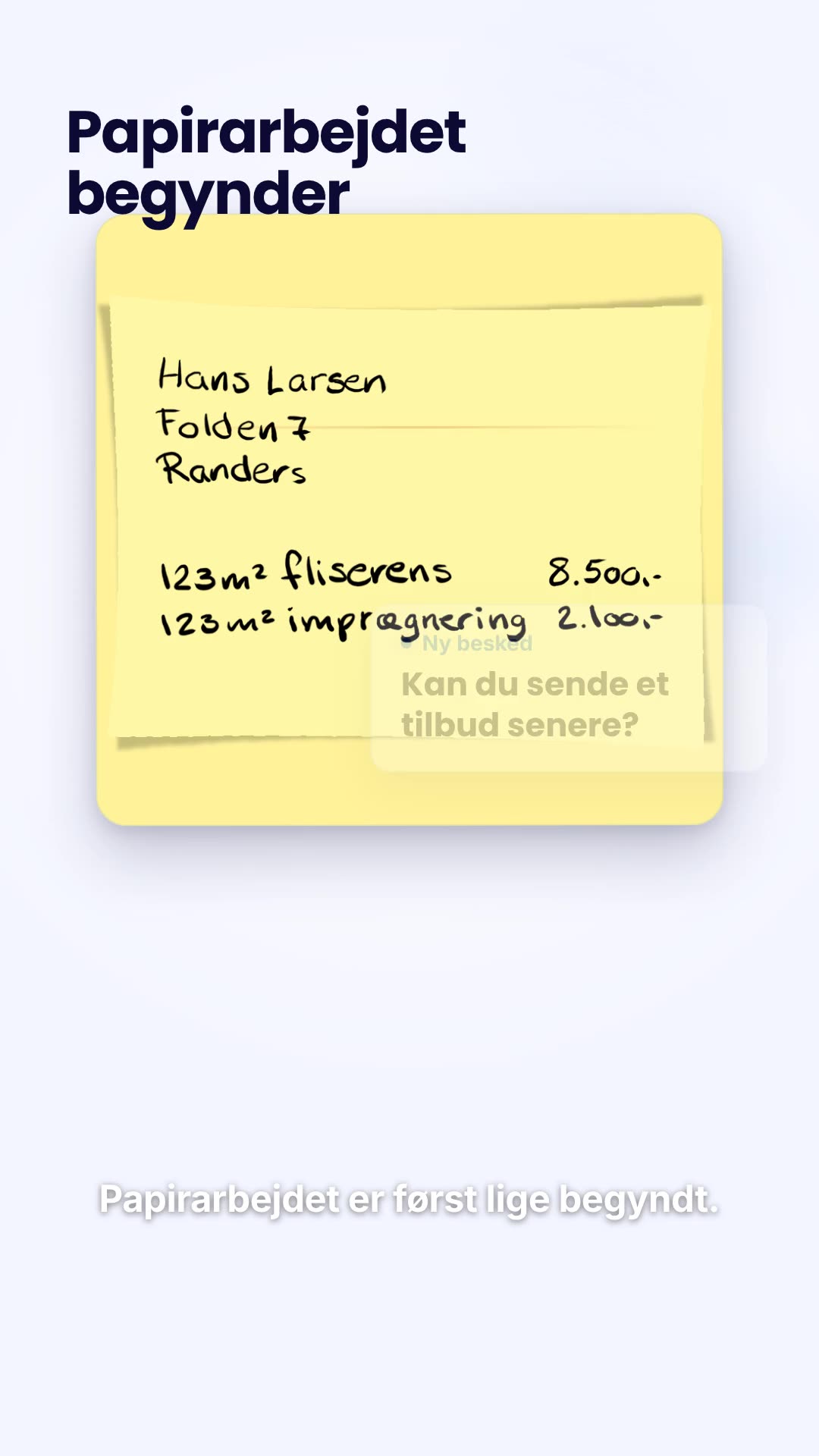
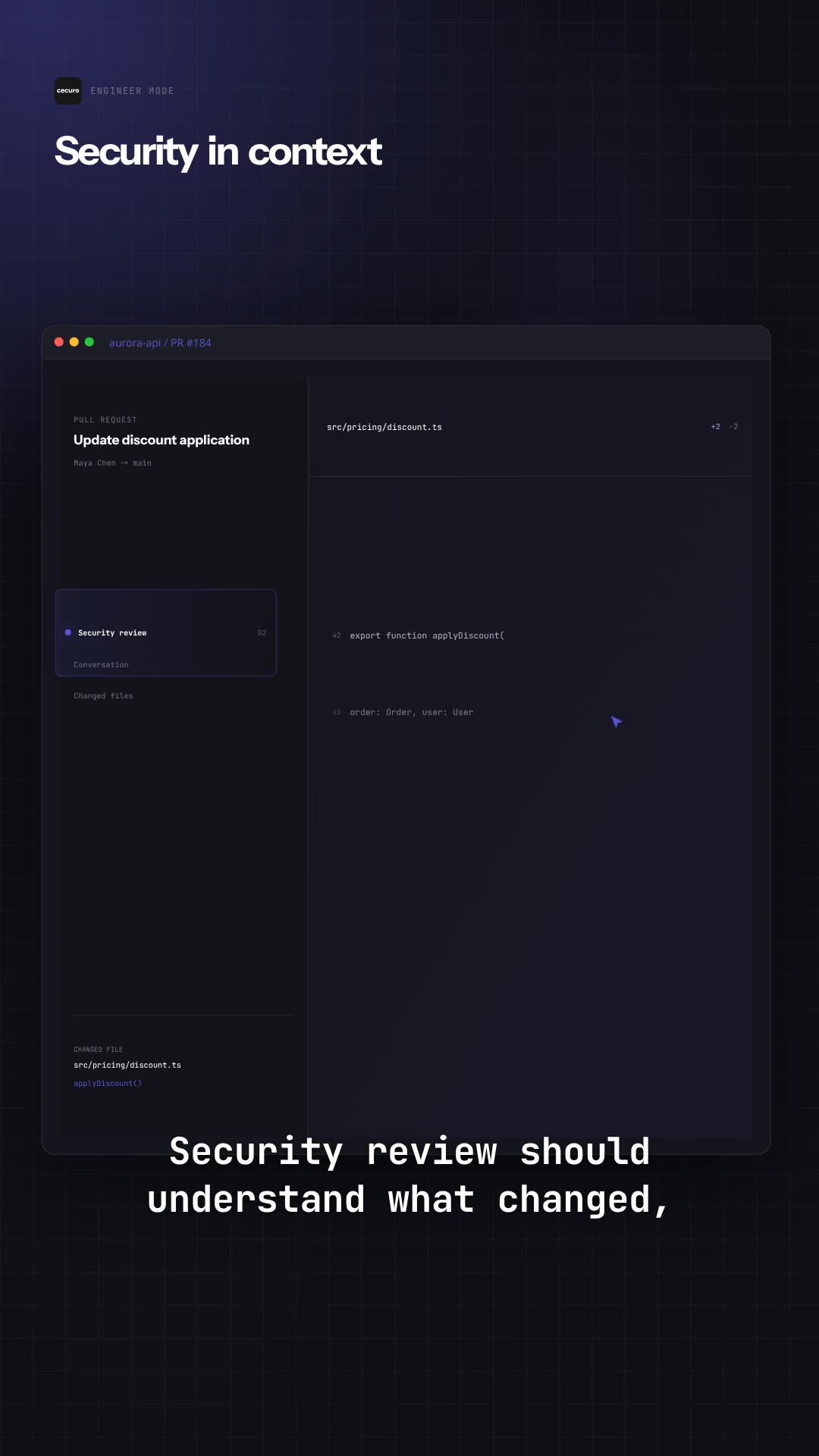
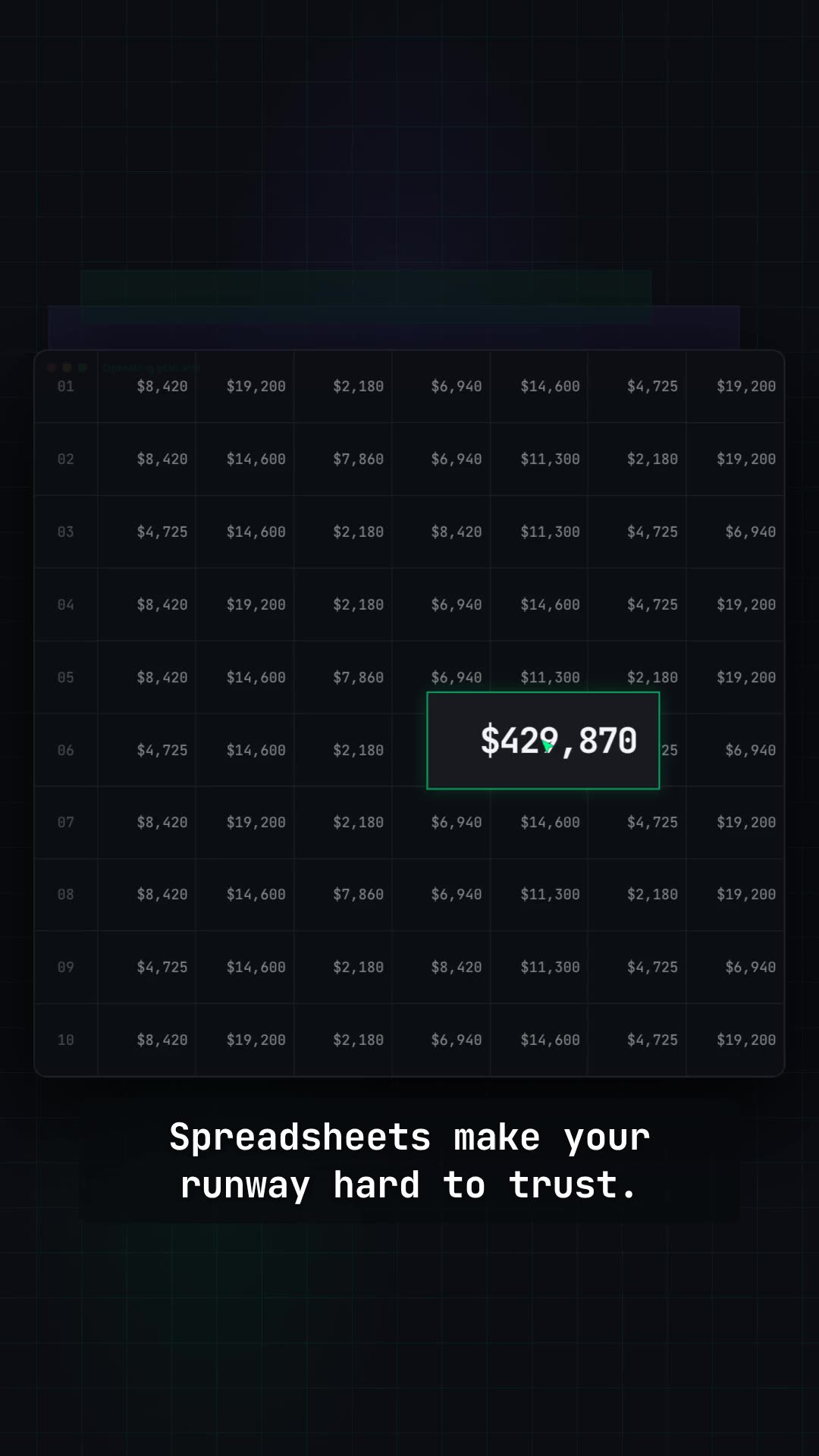
Films built from a company's own interface and brand.

Questions

Answered plainly.

Is Frame24 a Loom alternative?

For public-facing product videos — a homepage demo, a launch film, a feature announcement — yes. For quick screen recordings to a colleague or a prospect, no: Loom is built for recording yourself in real time and Frame24 does not record you at all.

Can I turn a Loom recording into a polished demo video?

Frame24 can use a walkthrough recording of your product as source material: it reads the screens and the steps and builds a designed film around them. The finished film is a new production in your brand, not your recording with effects on top.

What is better than Loom for a SaaS demo video?

It depends where the video will live. For a personal walkthrough, Loom is hard to beat. For a demo on your website or in a launch, a produced film reads better to a stranger: Frame24 makes one from your website and product UI without a recording session or an editor.

Do I need to be on camera with Frame24?

No. Nobody appears on screen. The film shows your product and brand, with an optional narrator voice you choose.

See your product
as a film.

Paste your URL and see the first cut. Three 30-second films on a 3-day trial.

Start your trial Three 30-second films · Card required · No generated media