Choose Frame24 when
- The explainer is about a software product
- Viewers should see the real interface
- Nobody on the team animates
- It must look like your brand
- You need it this week, not next month
Comparison
Vyond is an animation studio in the browser: characters, scenes and props you arrange into an explainer. Frame24 produces a product explainer for you, built around your real interface and brand rather than characters.
Three 30-second films · Card required · No generated media
Use Frame24 from your AI assistant
Connect Frame24 to ChatGPT, Claude, Gemini or a coding agent in about two minutes. Your assistant can understand the product, capture the right screens, review the film and keep the whole process in the conversation.
Choose your assistant and connect itclaude mcp add --transport http frame24 https://studio.frame24.app/api/mcpStart Claude Code, type /mcp, choose frame24 and Authenticate. Sign in to Frame24 in the browser tab that opens and click Allow.
In plain terms
The honest version
Pick by the video you need, not by the feature list. Vyond is excellent at its job; this is what each one is for.
| Vyond | Frame24 | |
|---|---|---|
| Core idea | Character animation you assemble | Product explainers produced from your material |
| Starts from | A script and a storyboard | Your website, brand and product UI |
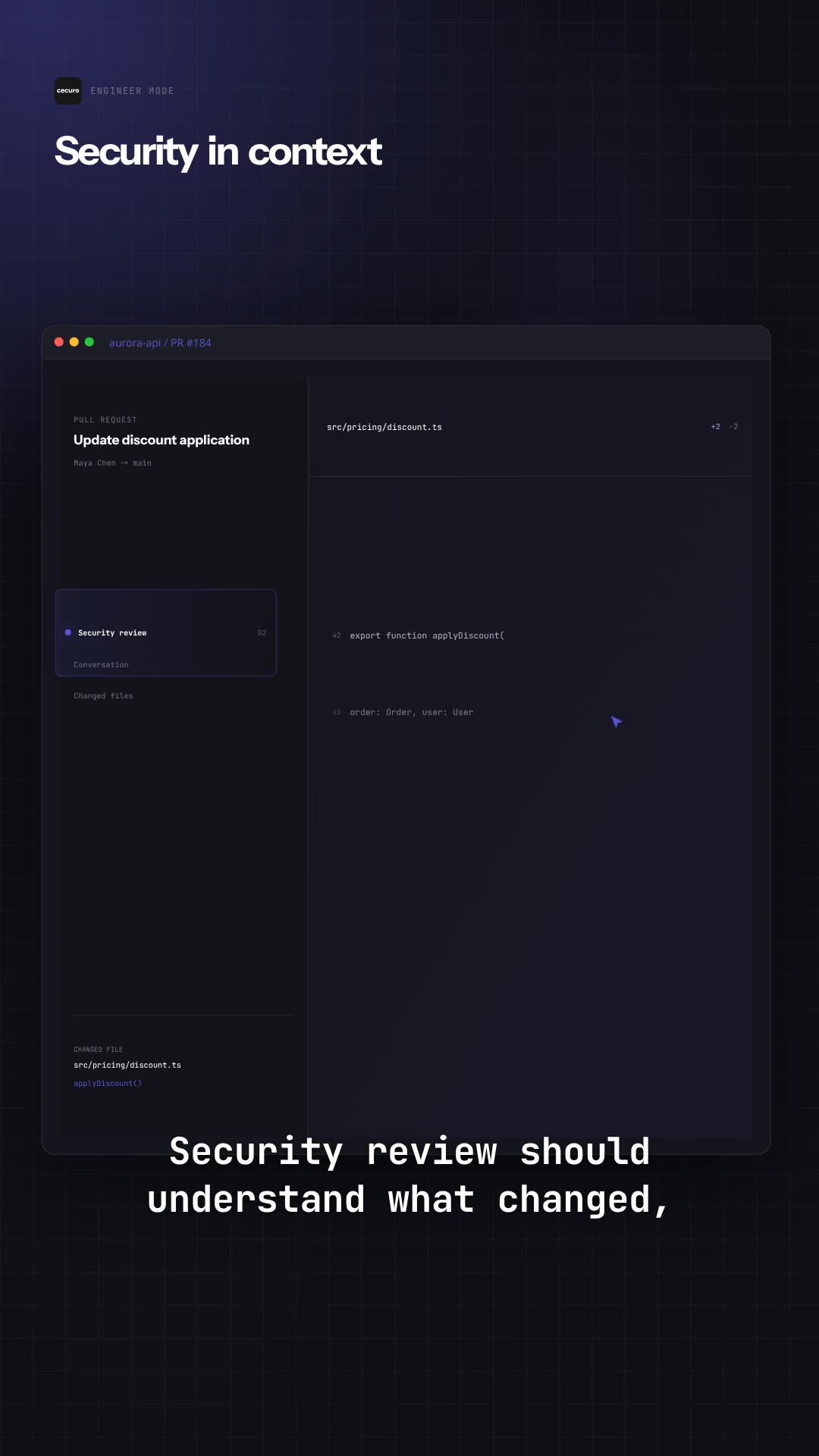
| On screen | Animated characters, scenes and props | Your real interface in designed, on-brand motion graphics |
| Strongest for | Training, HR, internal and scenario-based explainers | Product explainers, demos, launches and homepage videos |
| Effort | You build each scene | Built for you; revise by describing changes |
| Pricing | Published on vyond.com | A 3-day trial with three 30-second films, then published plans on our pricing page |
Vyond’s features and prices change often, so this compares what each product is built for rather than quoting numbers that go stale. Check vyond.com for their current plans.
Choose by deliverable
What product-led looks like
Films built from a company's own interface and brand.
Questions
For software and product explainers, yes. For character-led training and scenario videos, no — Vyond is built for animating people and situations, and Frame24 does not use characters.
One problem, the mechanism that solves it shown in the real interface, and the outcome — in about 30 to 60 seconds. Frame24 builds that shape from your website and product UI.
Paste your URL and see the first cut. Three 30-second films on a 3-day trial.
Start your trial Three 30-second films · Card required · No generated media